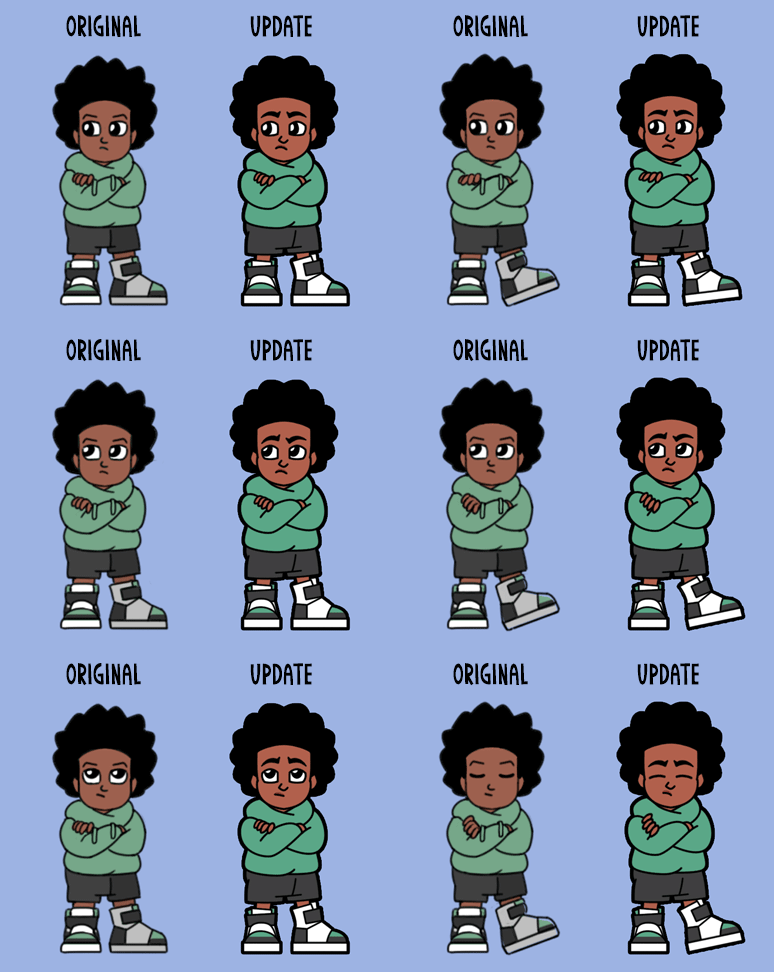
UI & Game Menus
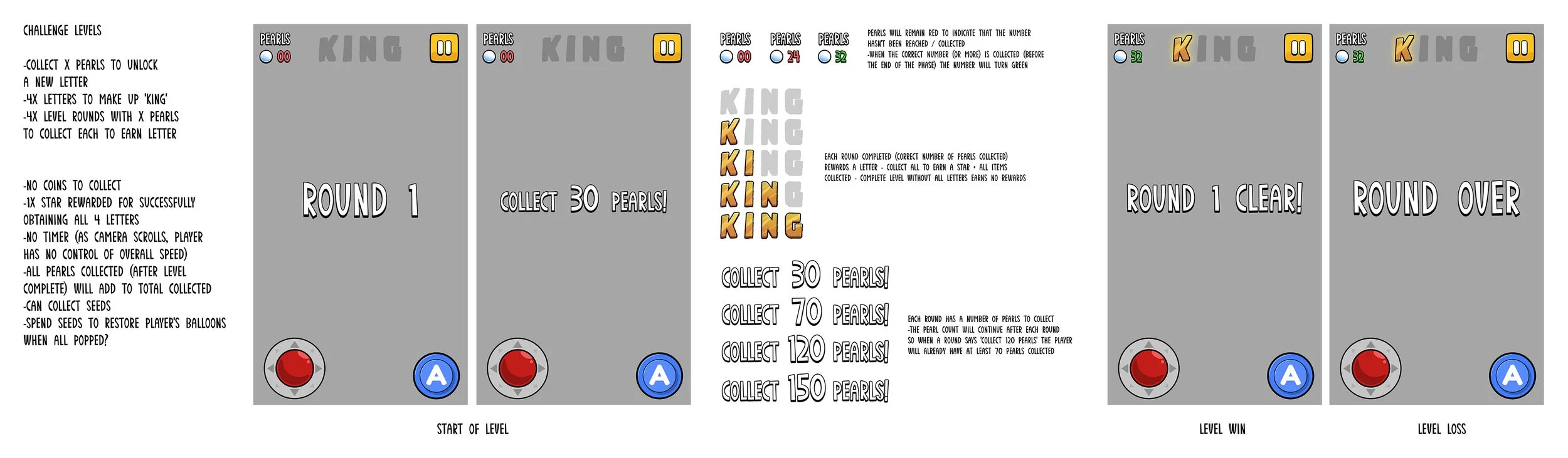
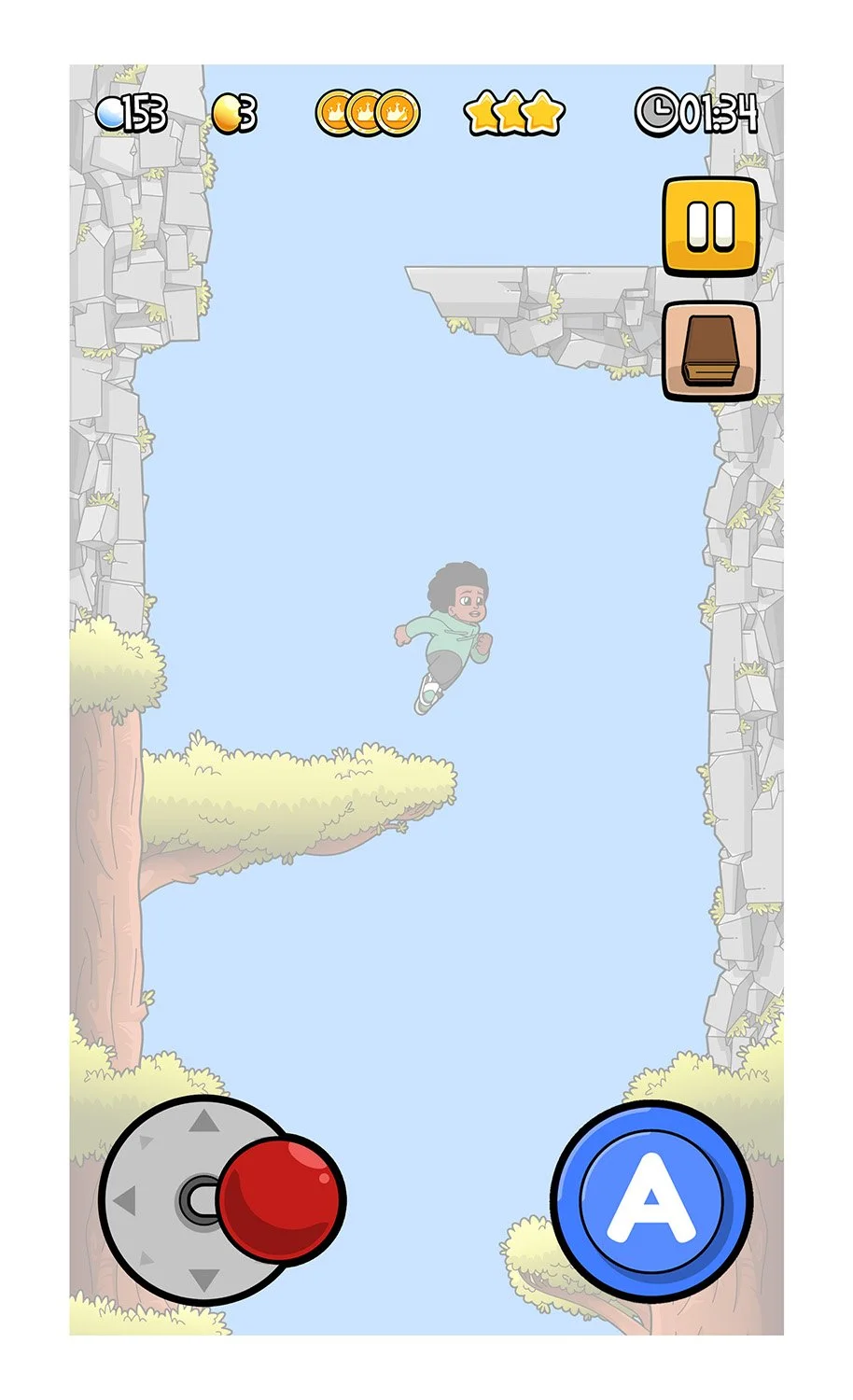
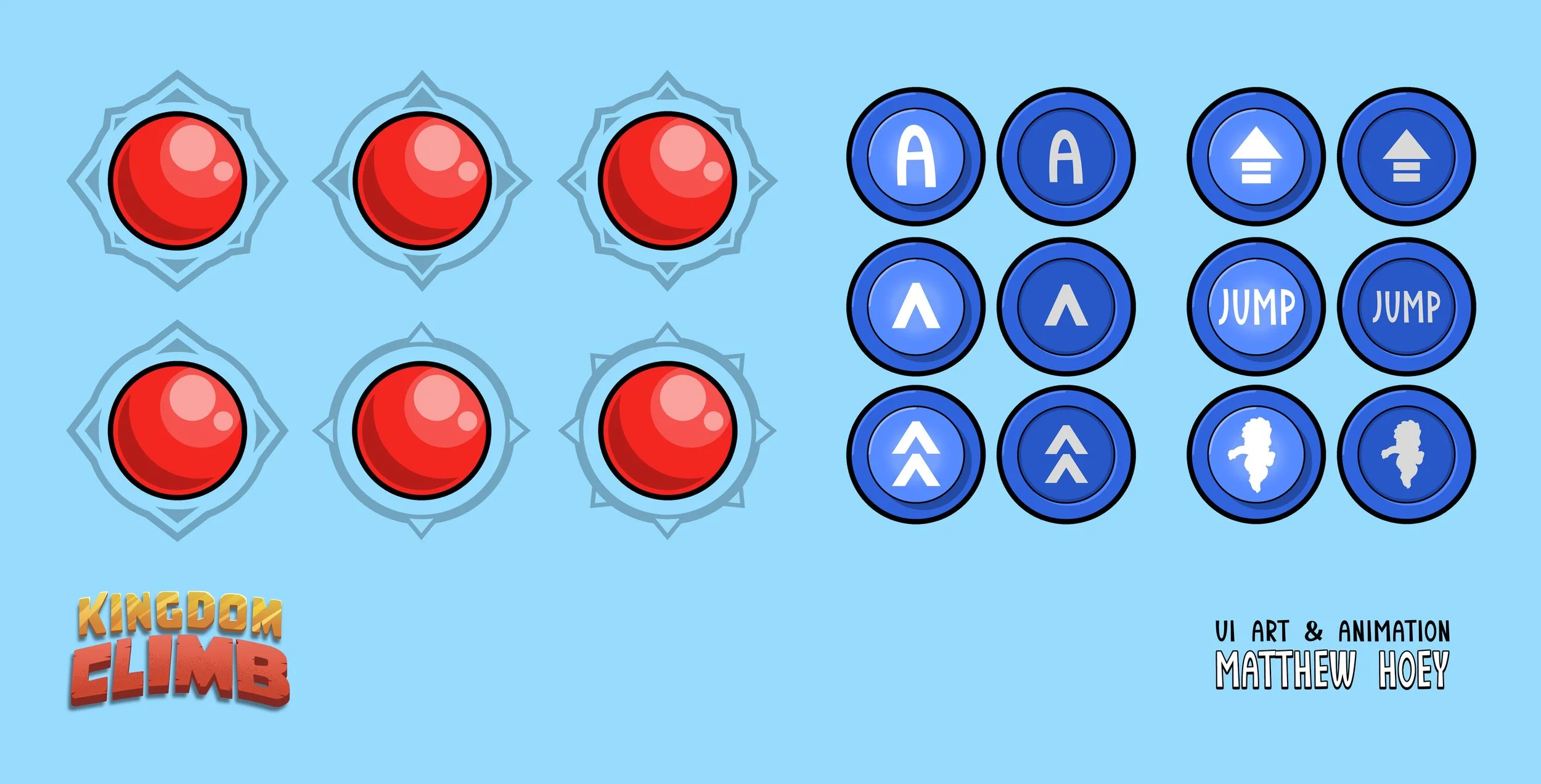
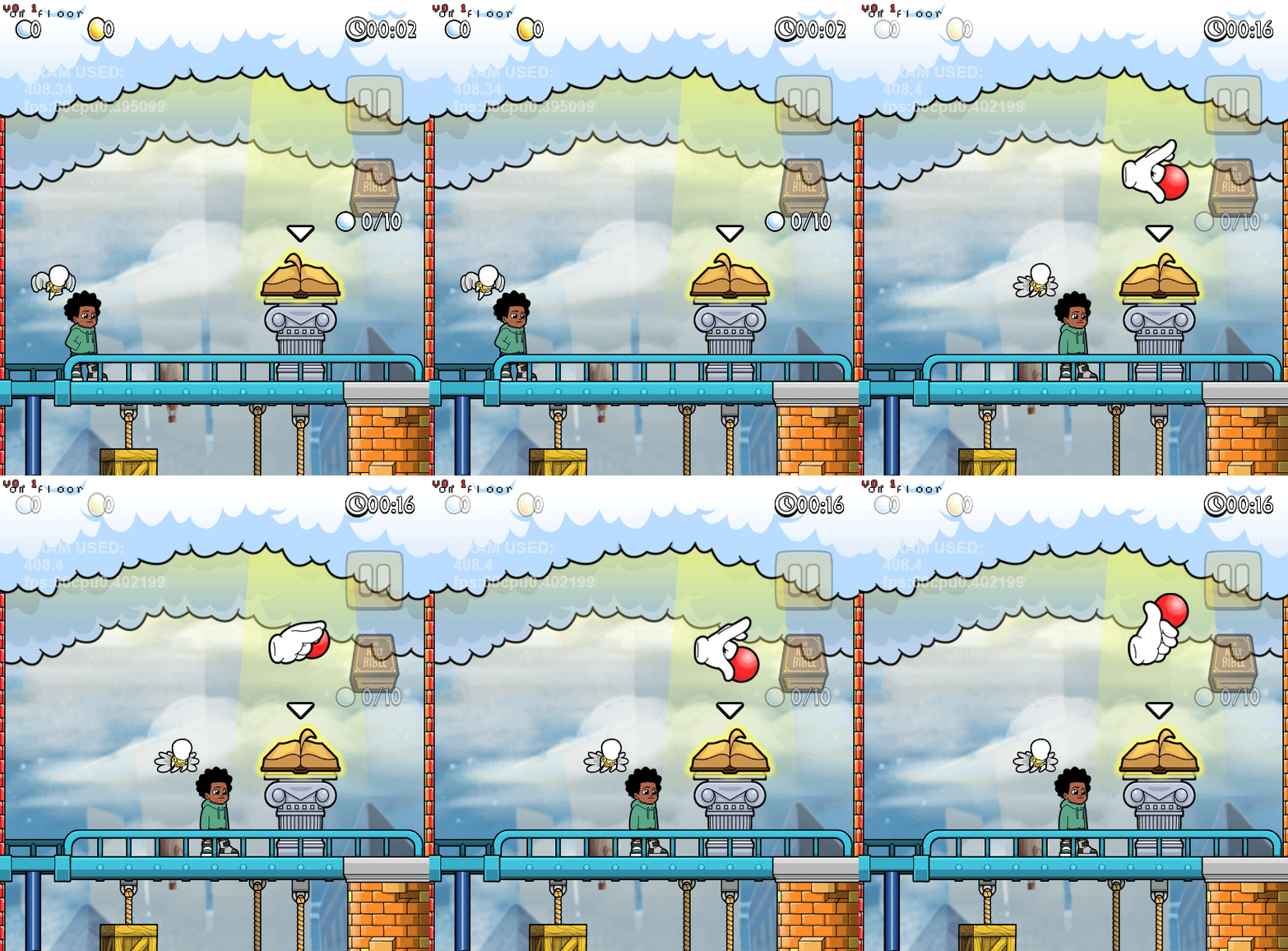
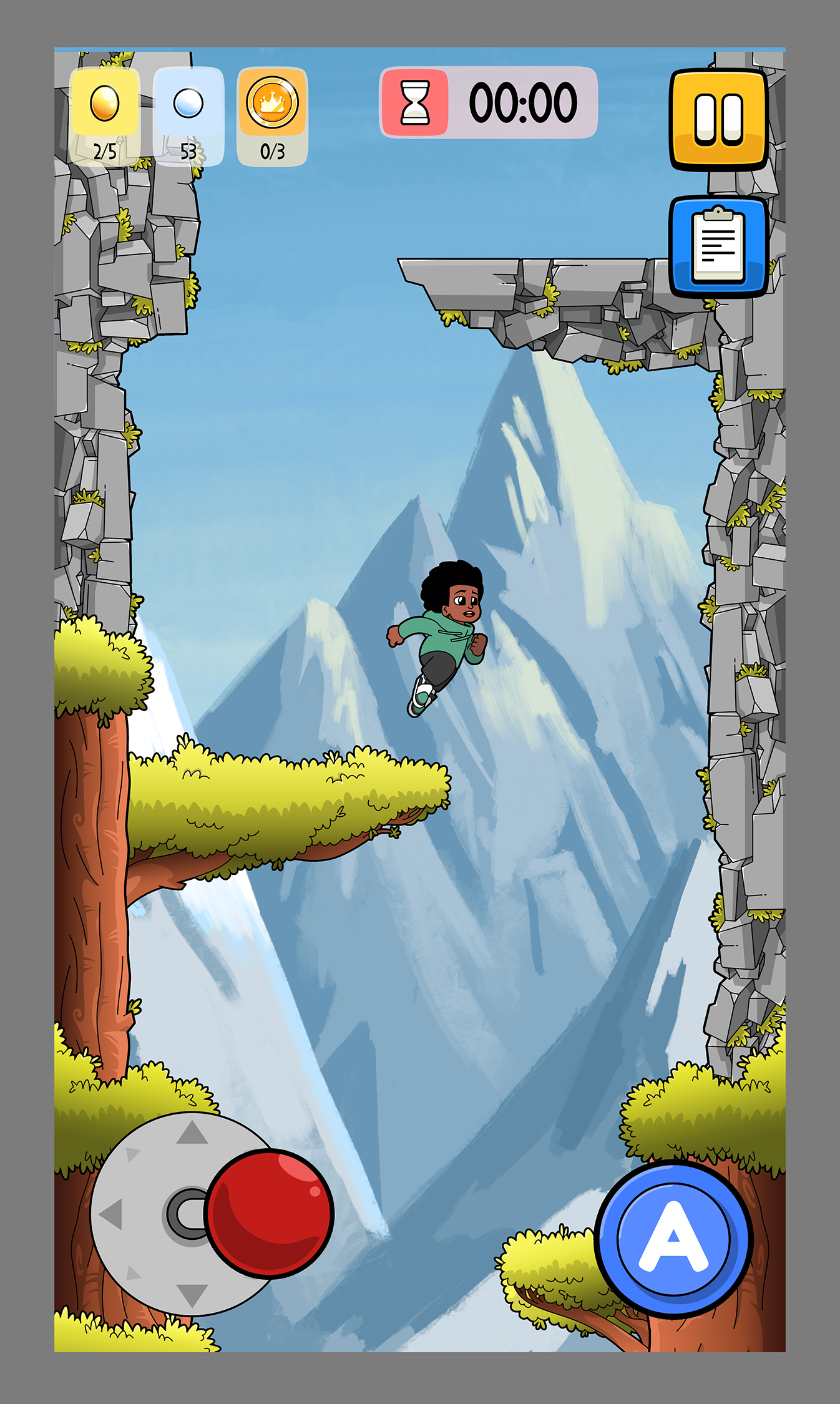
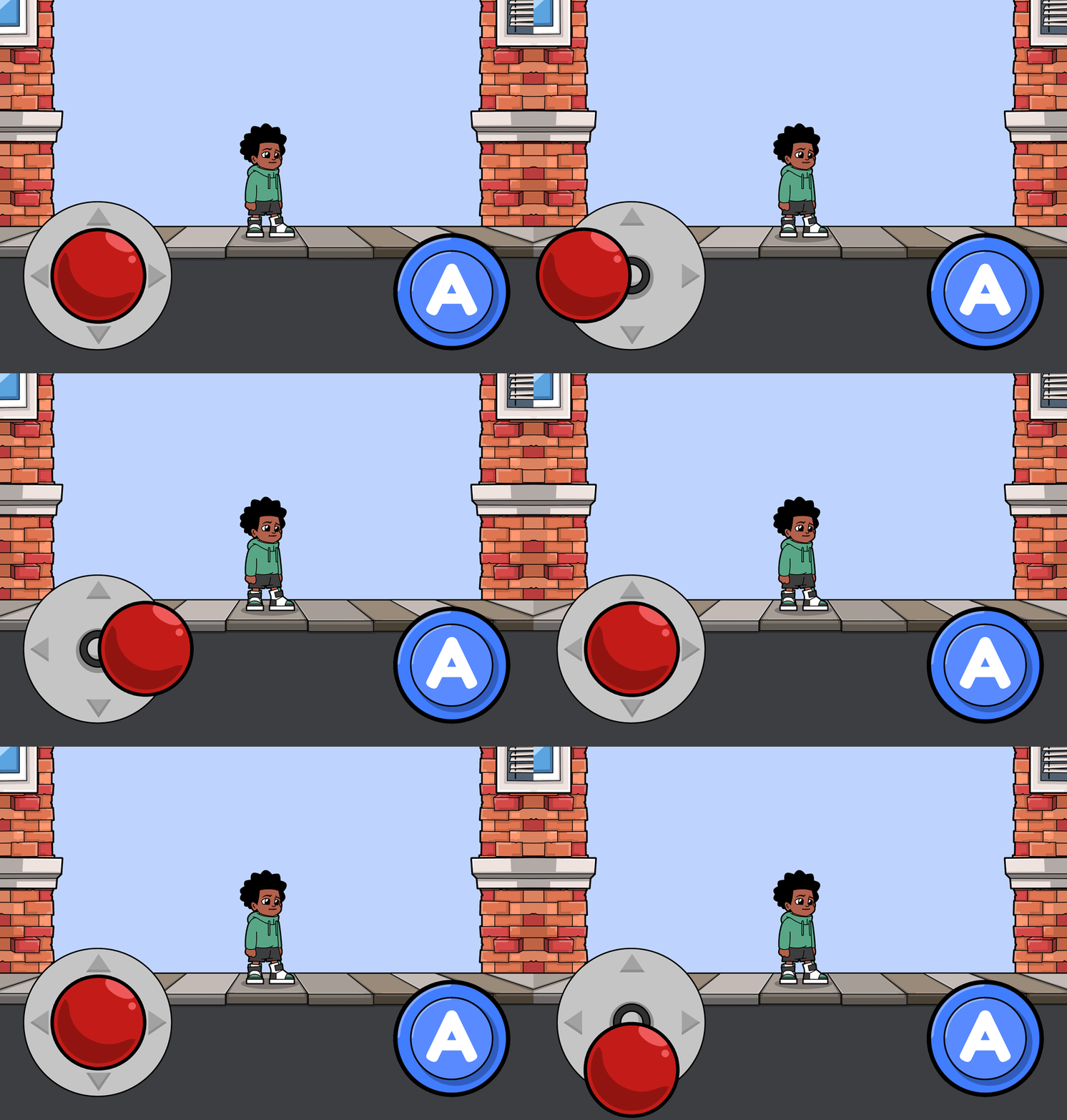
As Lead UI artist I developed all of the game screens, menus and buttons, in-level HUD and player controls, dialogue and level events - this included planning the functionality and navigation so that player's accessibility while playing was as simple as possible.

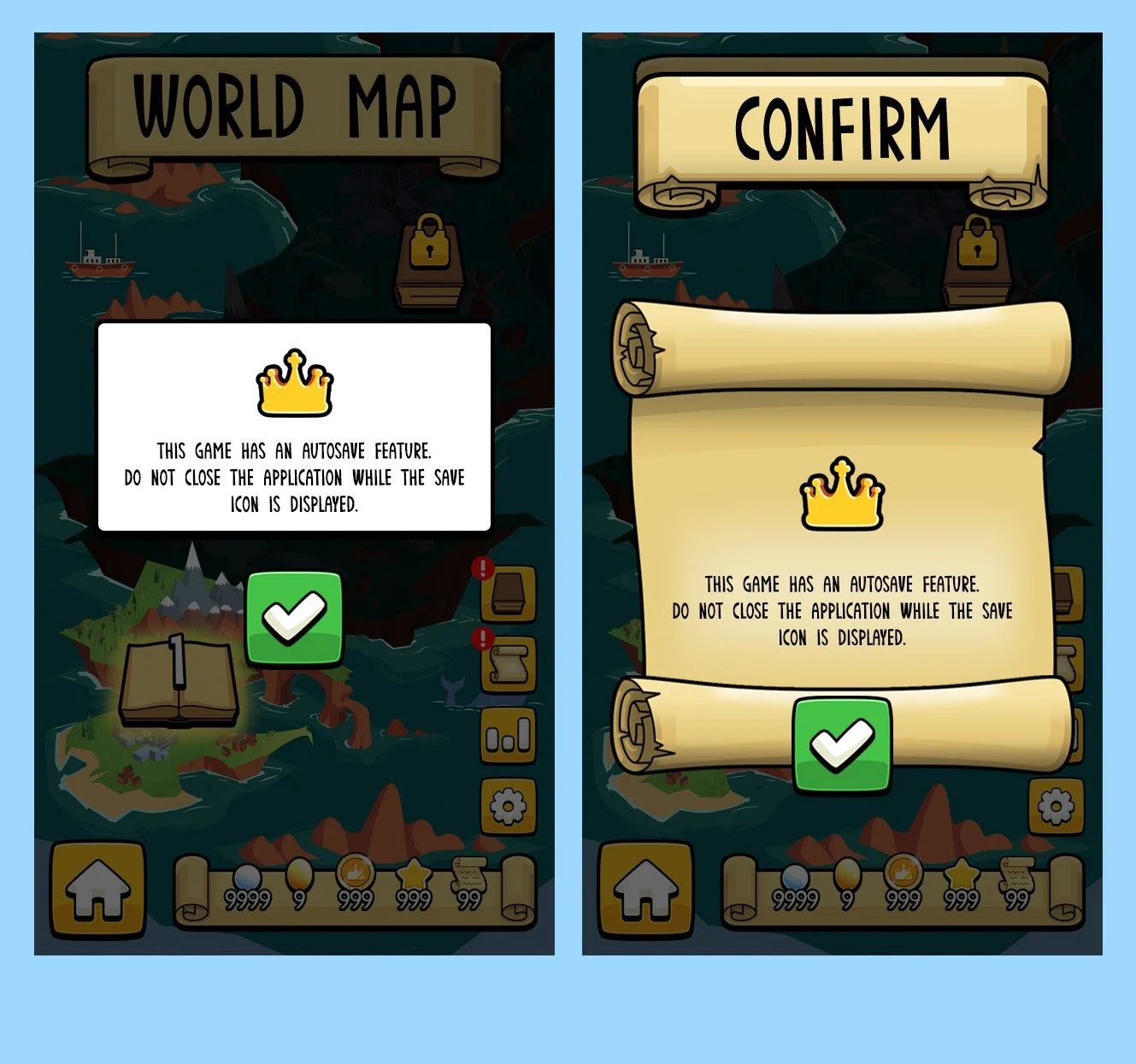
CONCEPTS & DEVELOPMENT
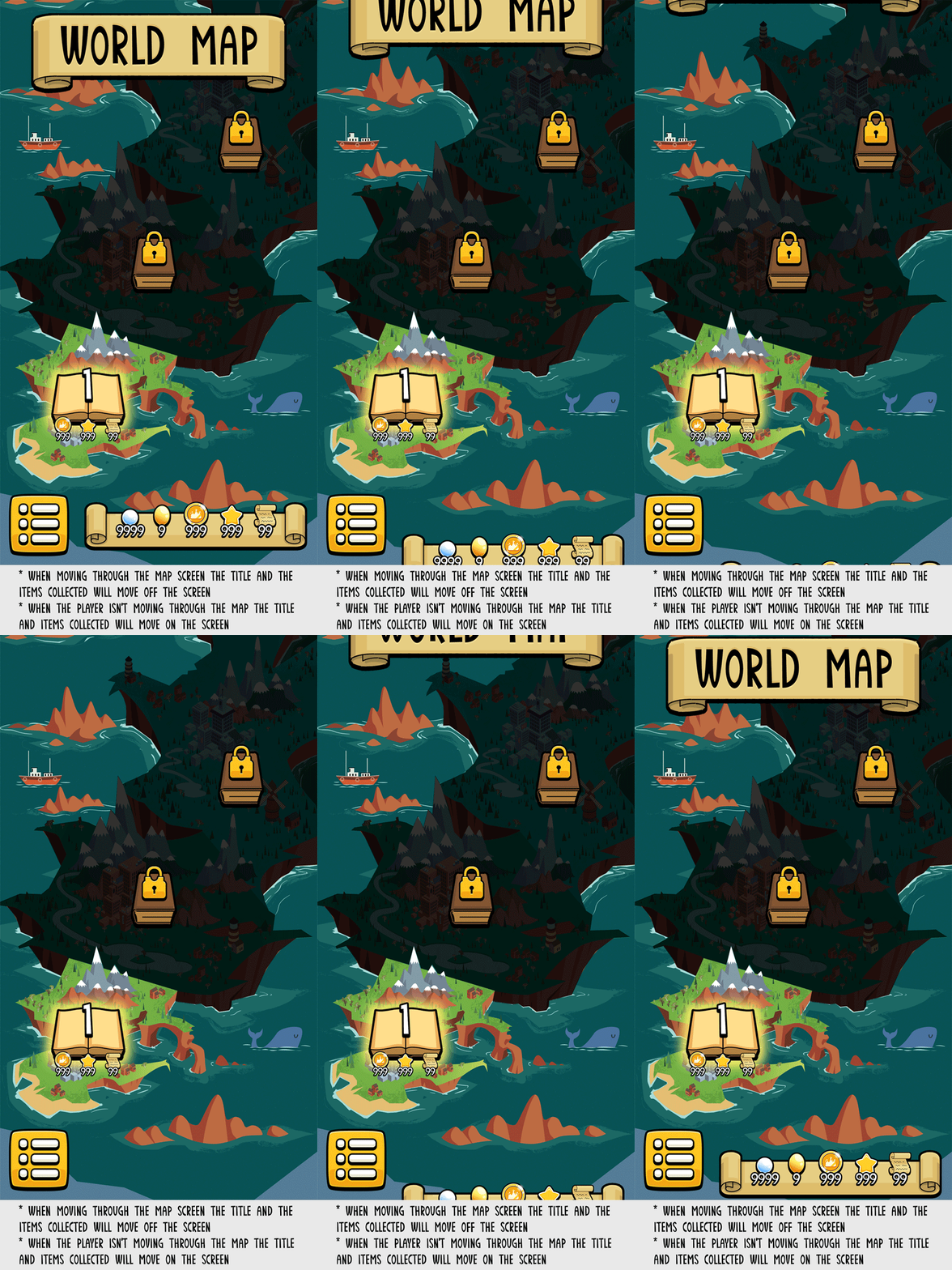
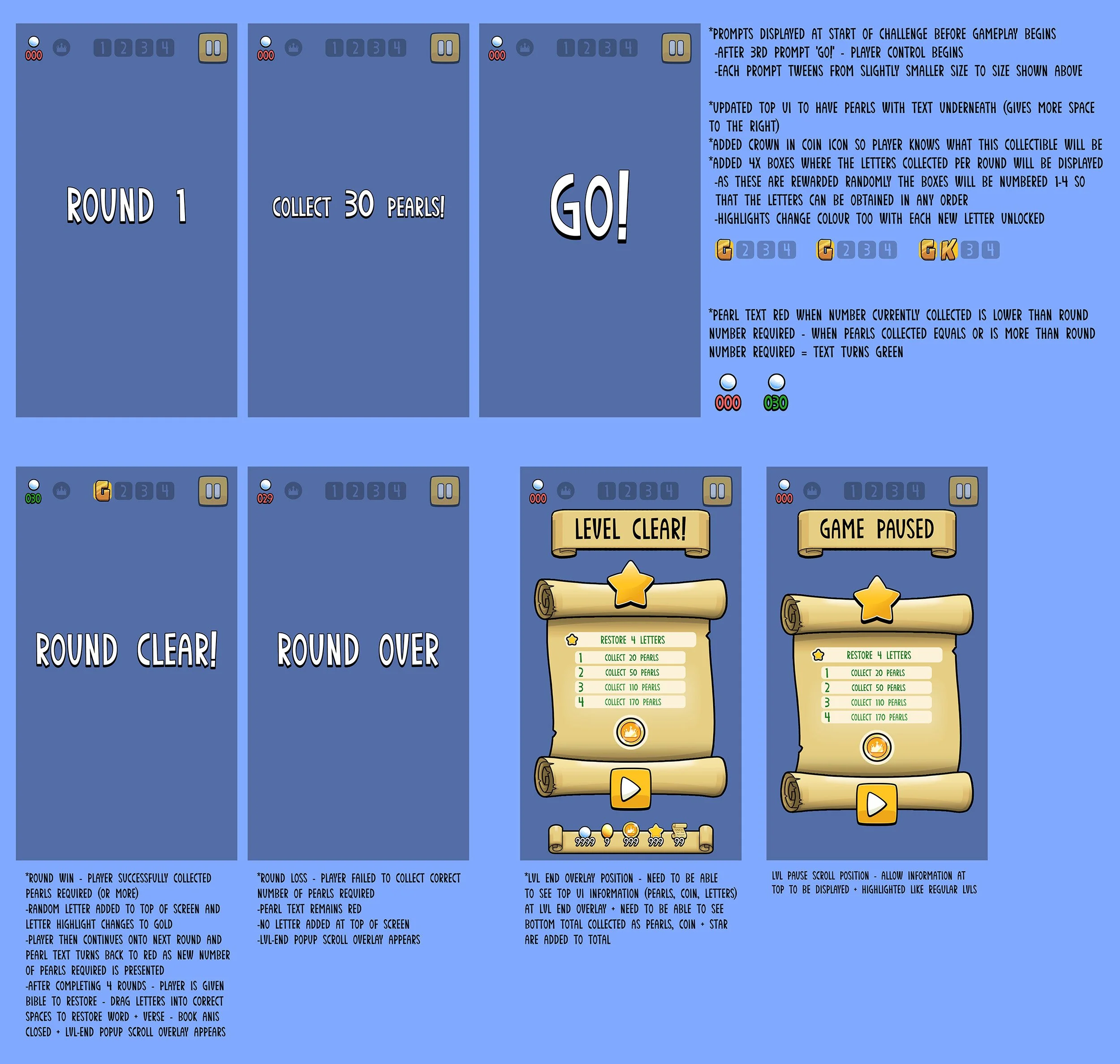
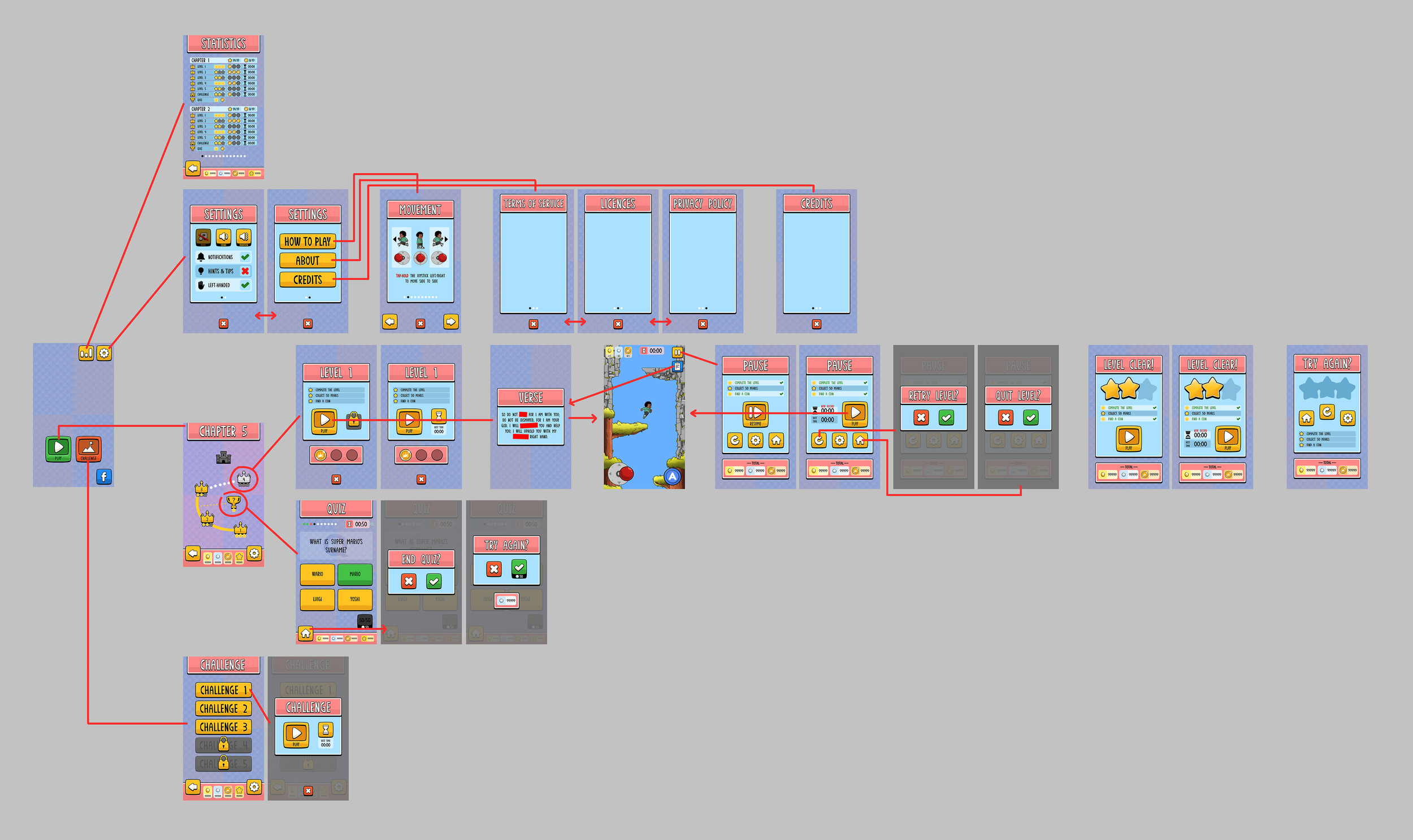
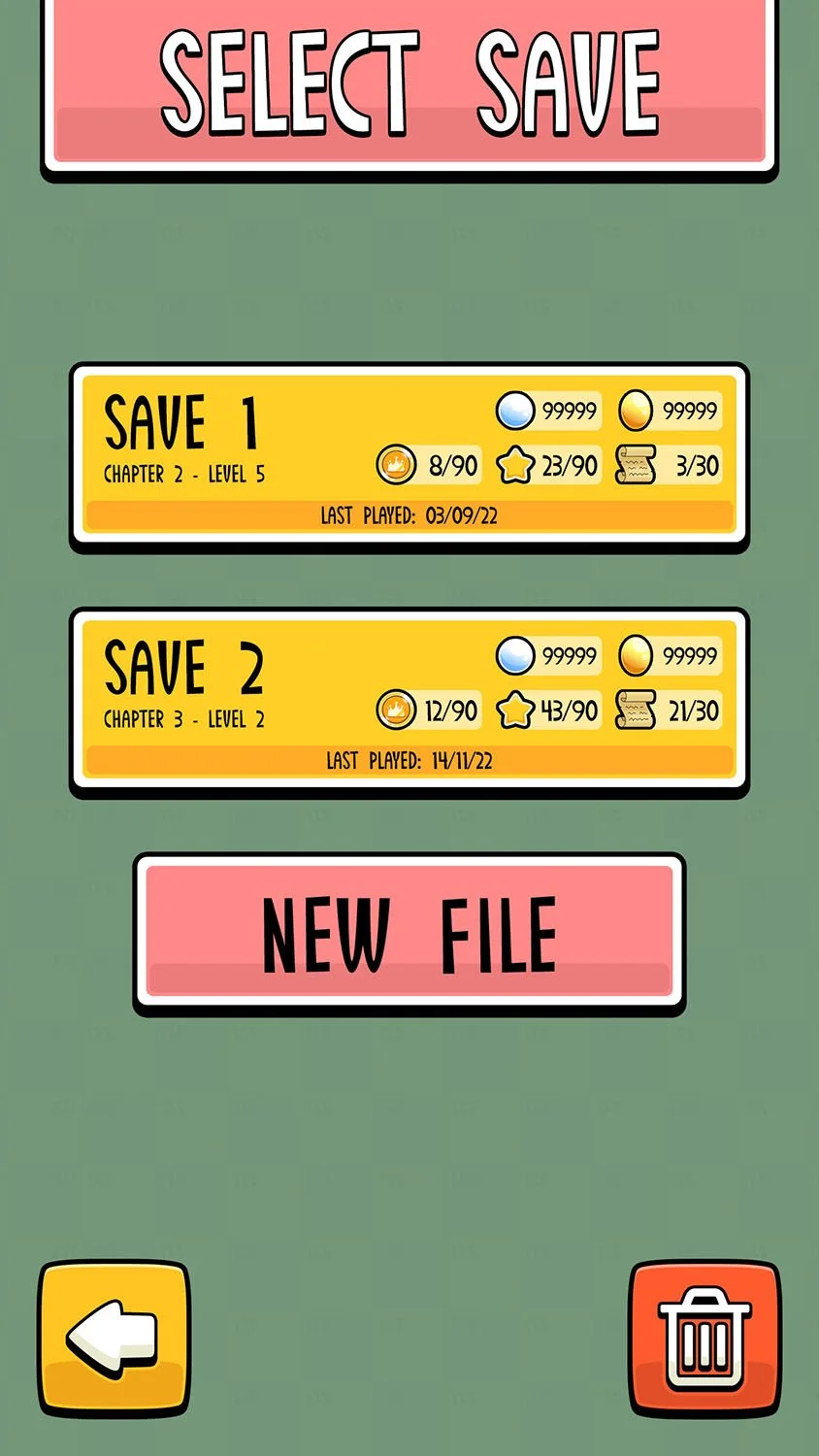
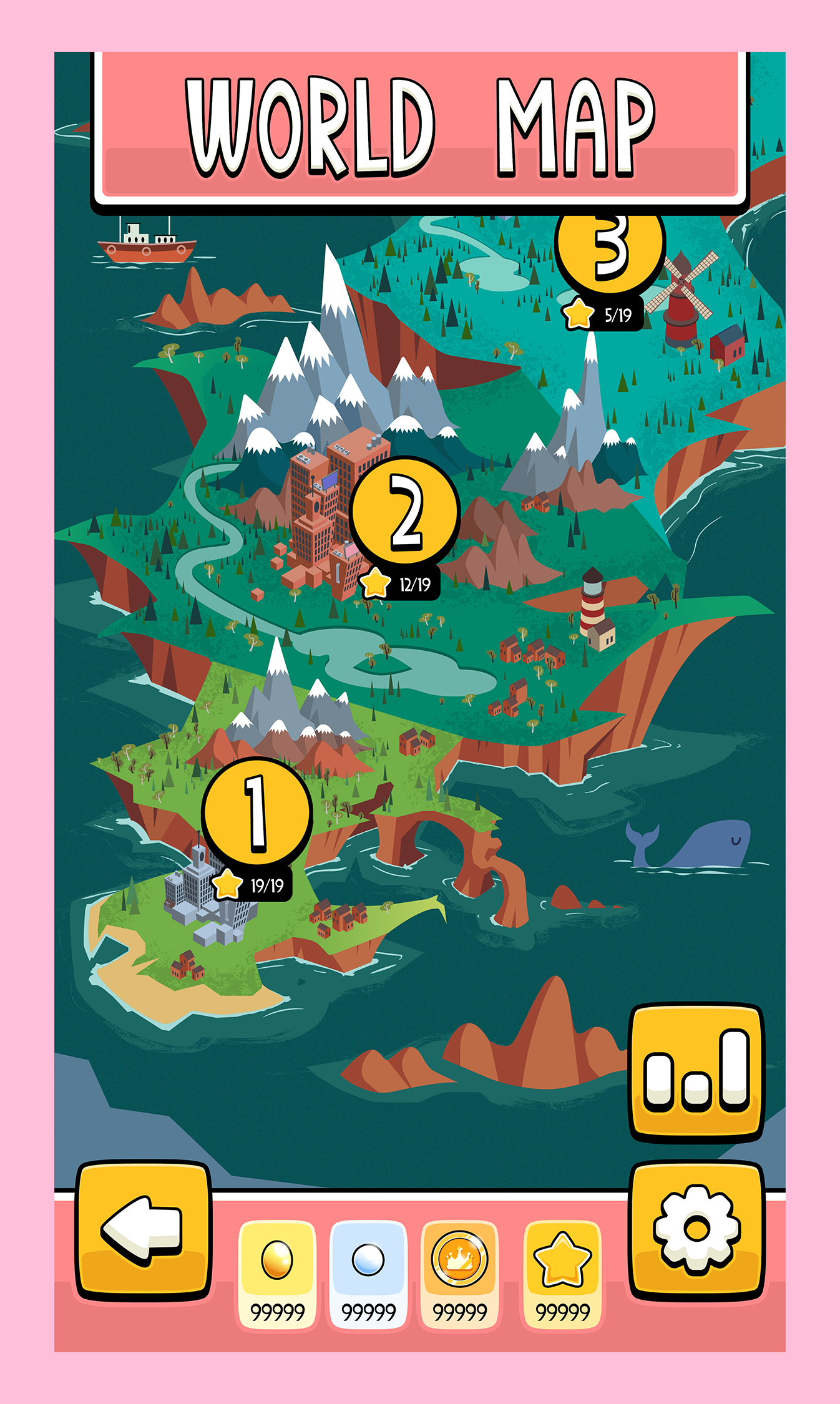
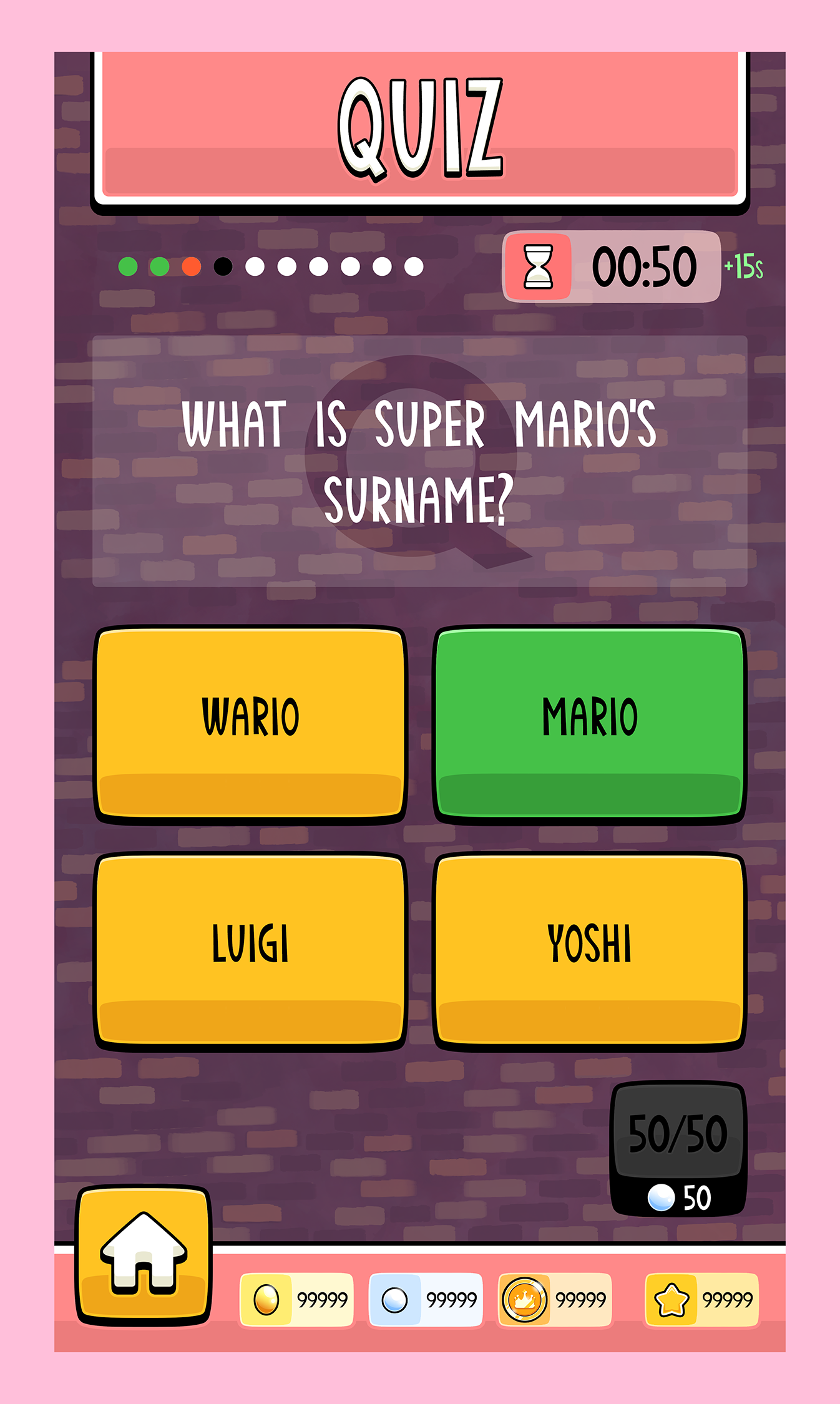
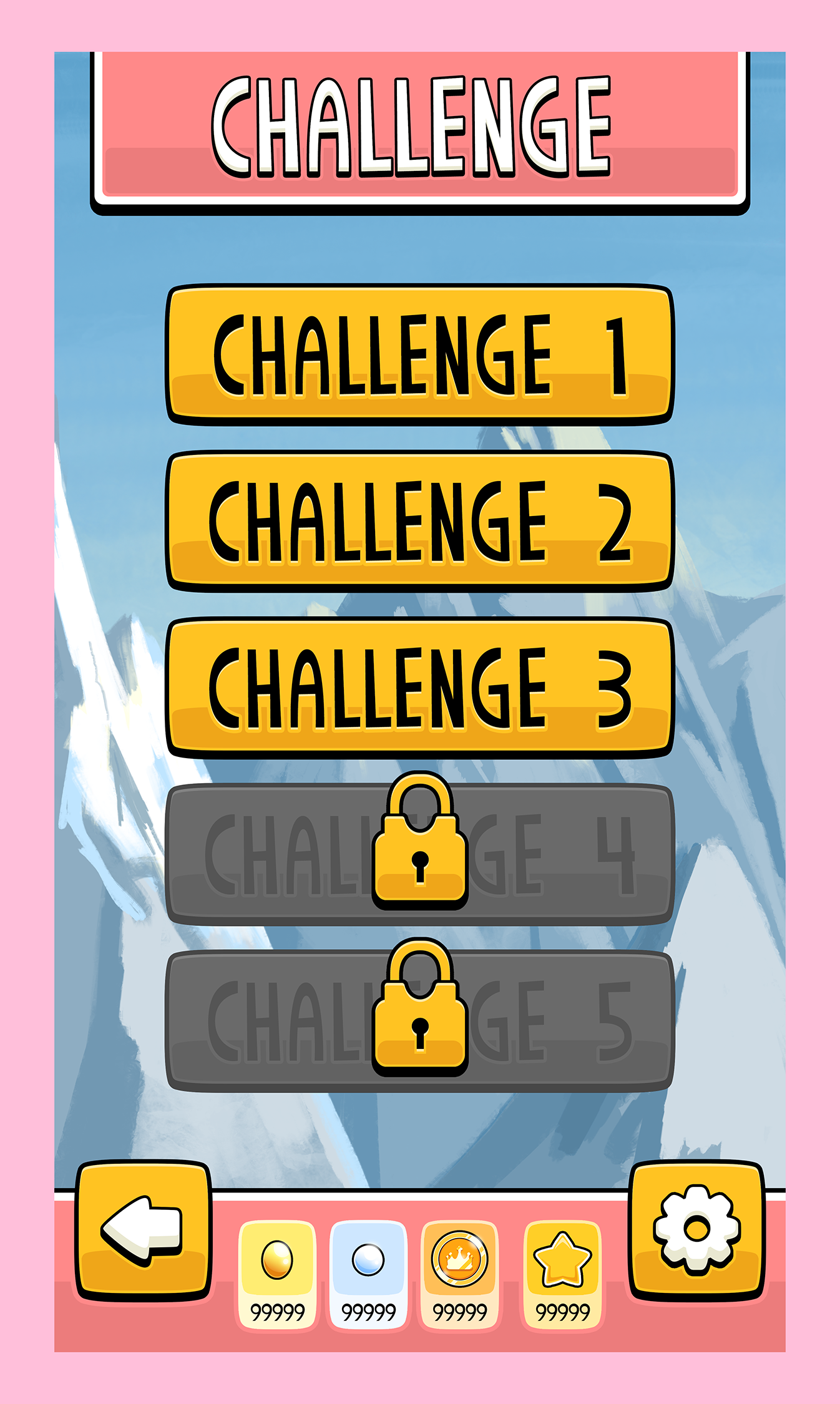
The game's UI and menu screens were initially test designs built in a portrait-only view - with this I had to determine a rough style, information displayed to the player per screen, pop-up menu positions, menu and button functionality, as well as ease of accessibility throughout.
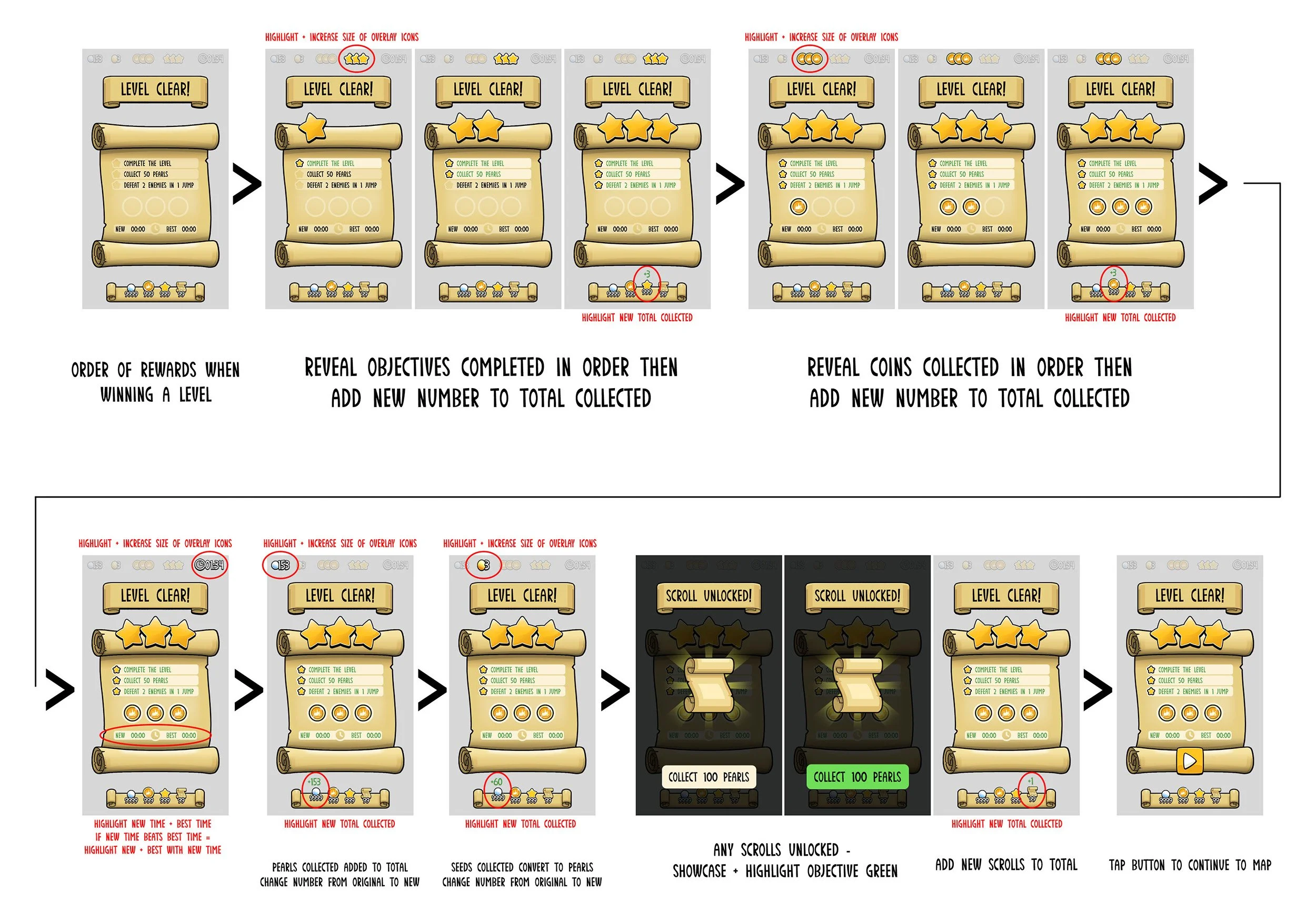
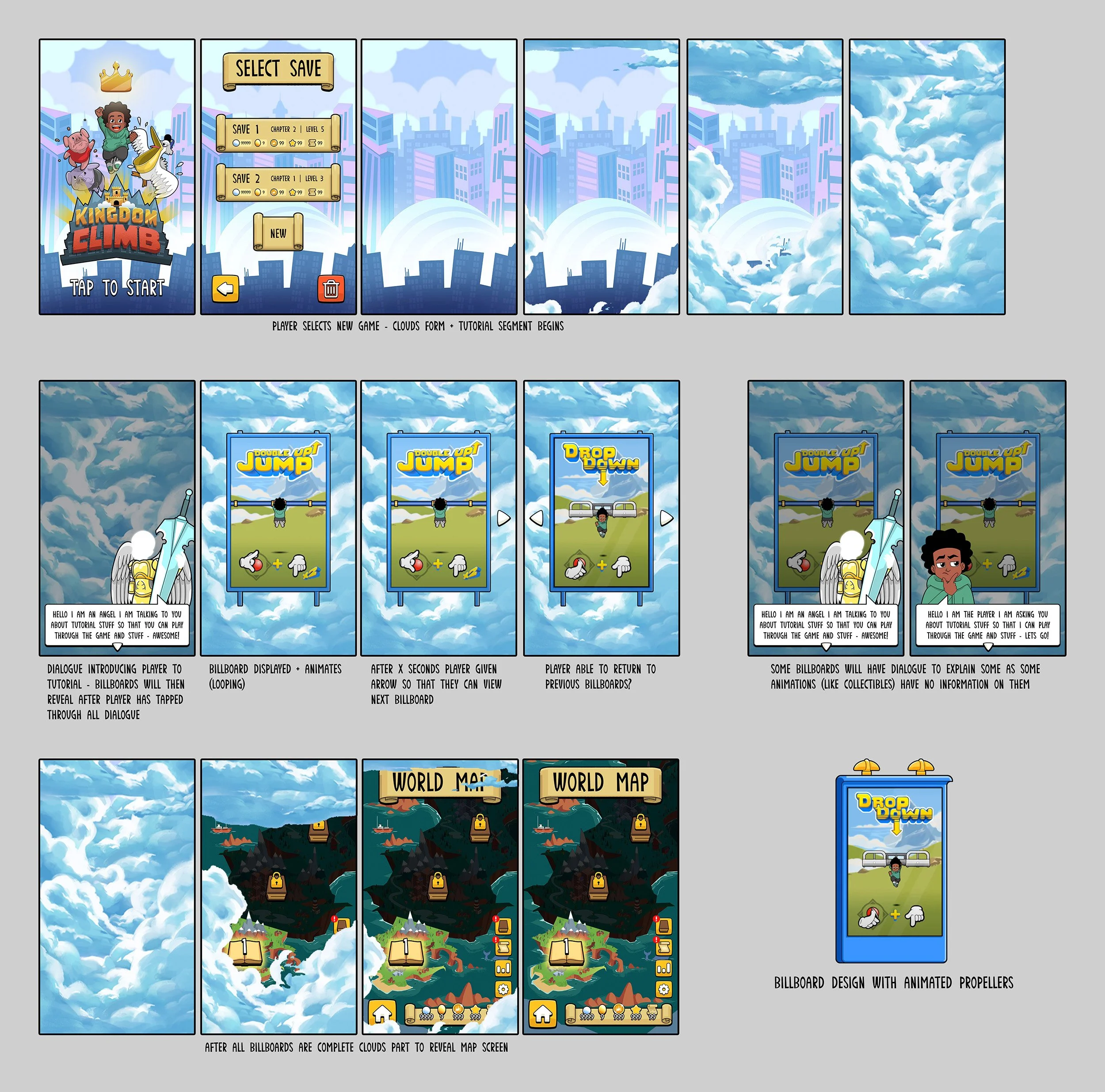
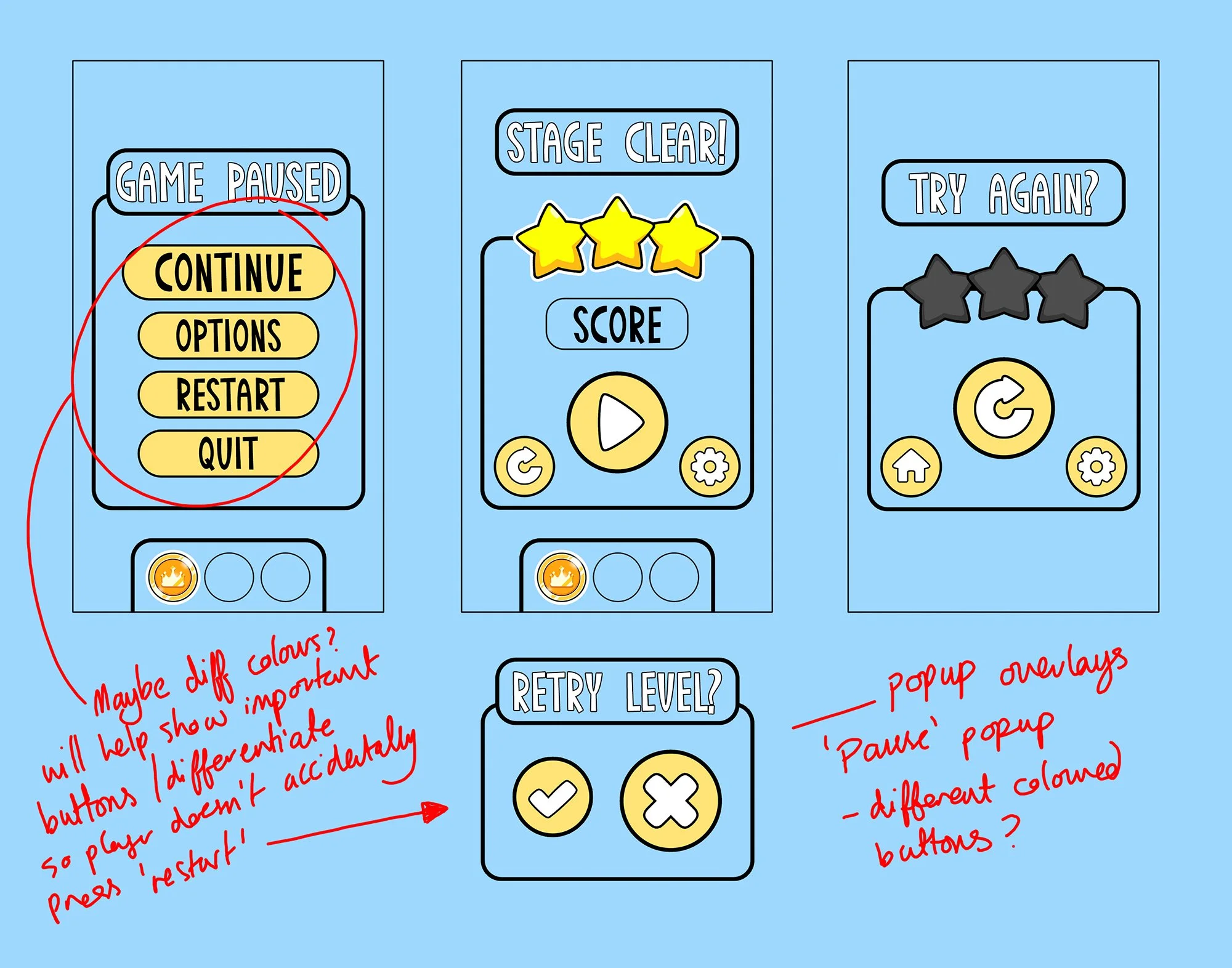
I created showcases of initial designs and how each would function and link together, including annotations with questions, feedback and design choices.
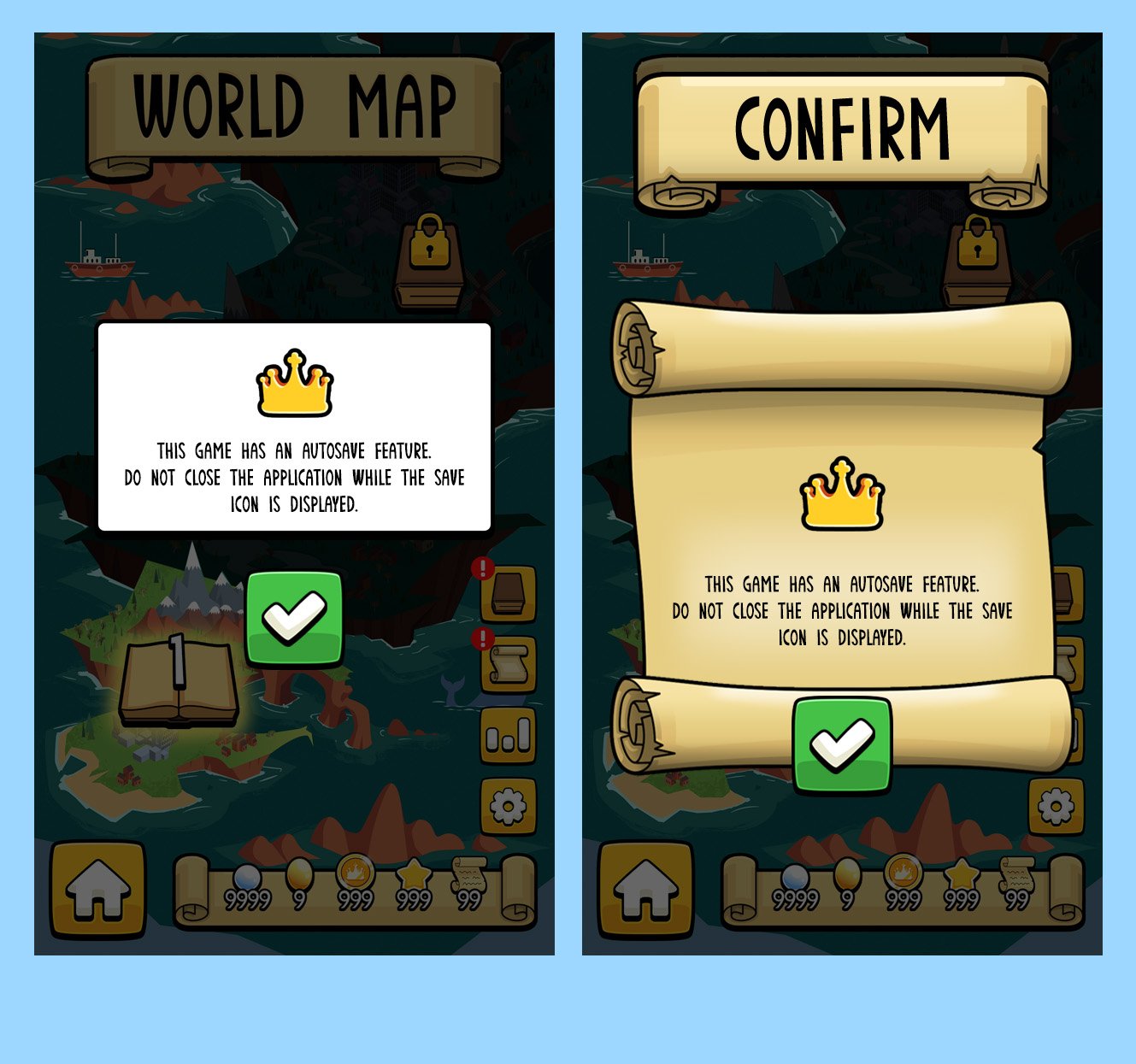
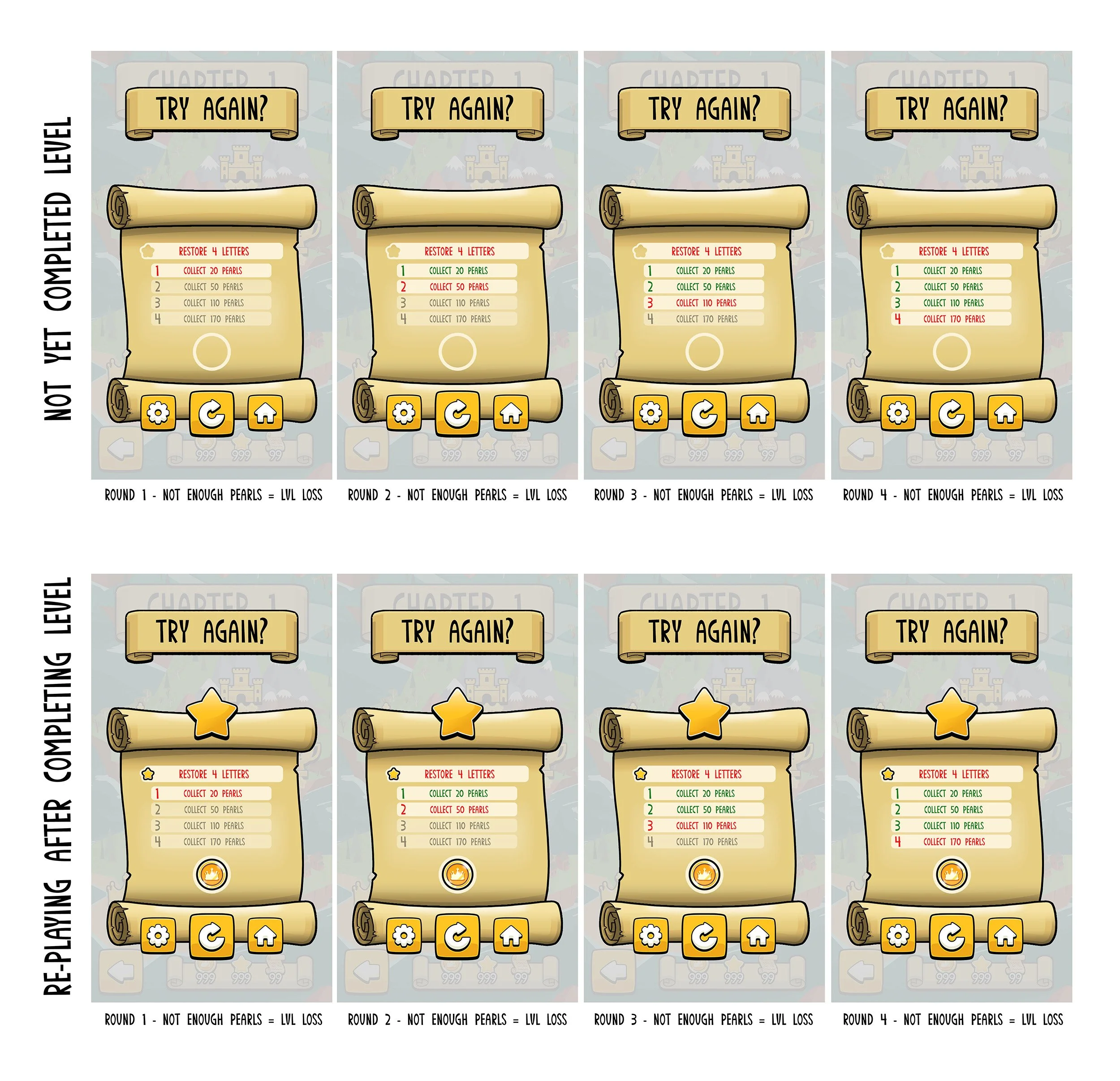
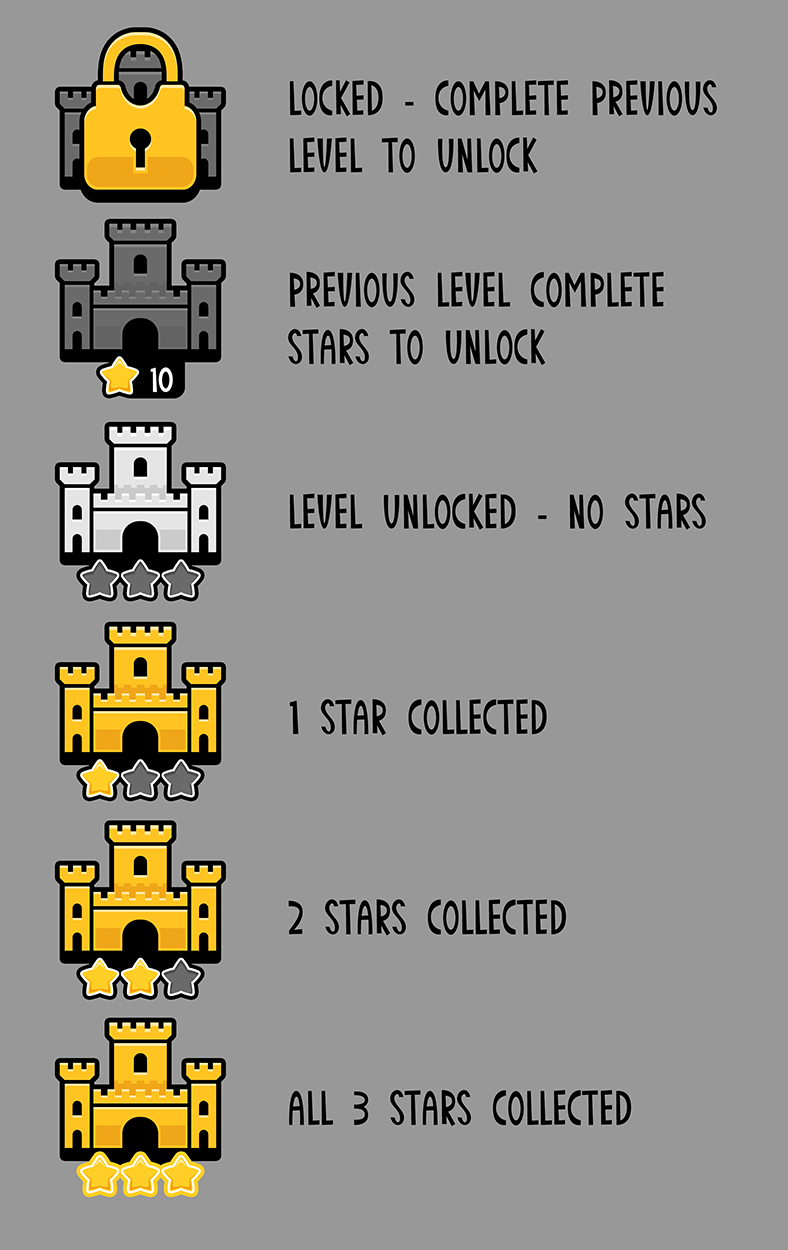
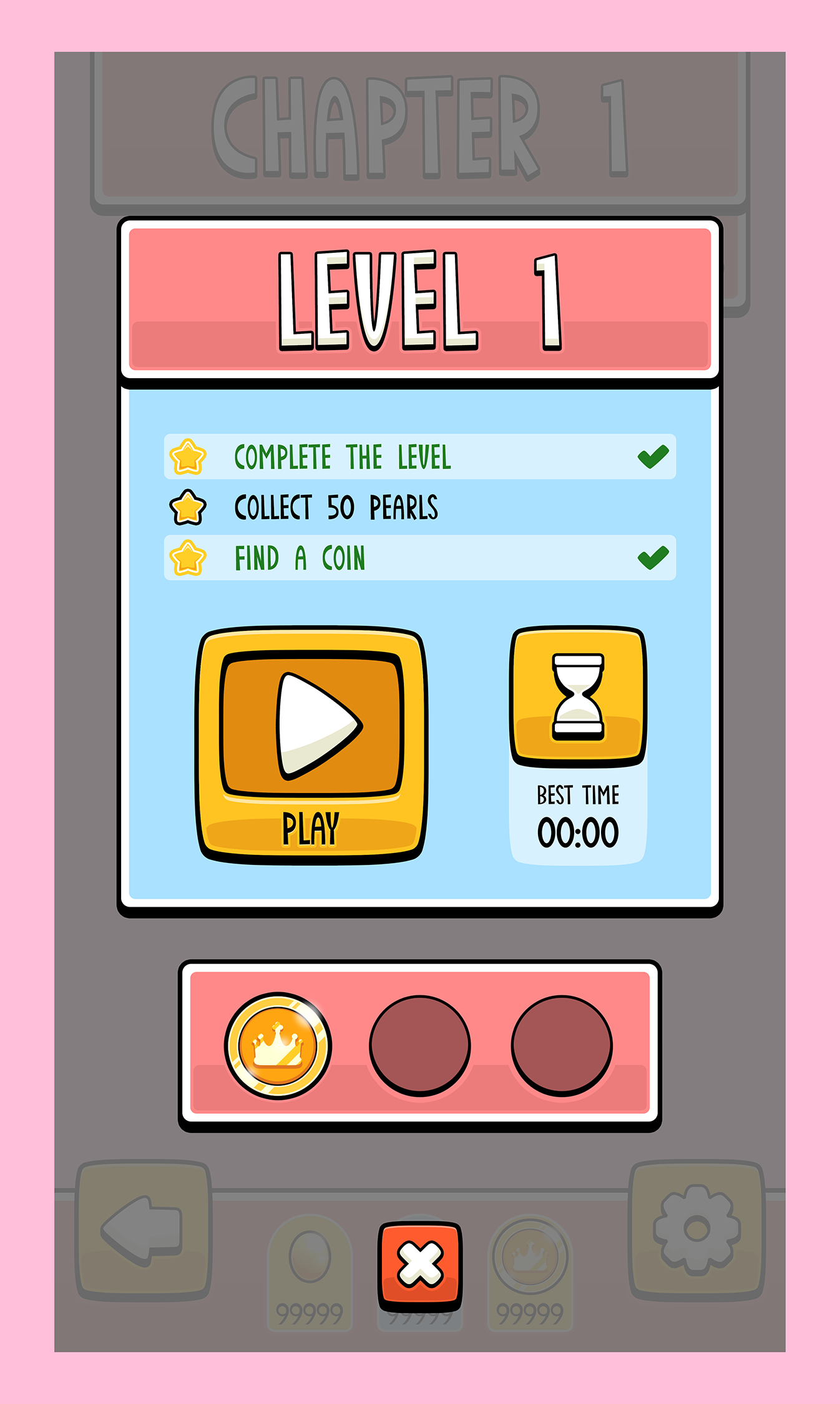
Below are some examples of early designs that I would develop further for more refined and polished pieces.




REFINEMENT & POLISH
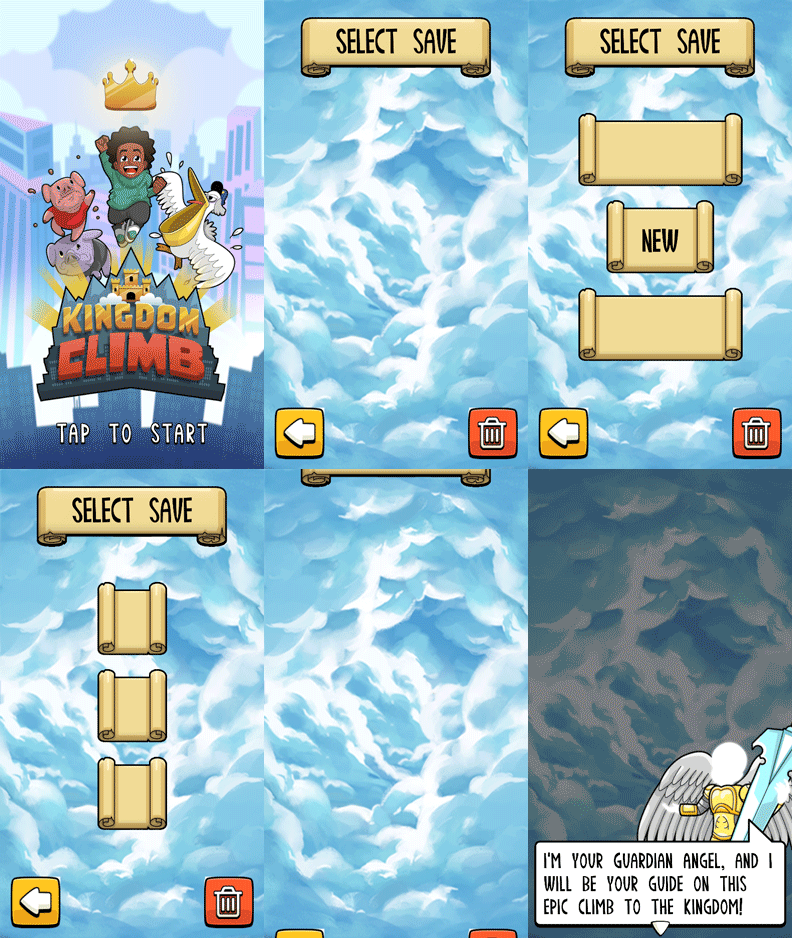
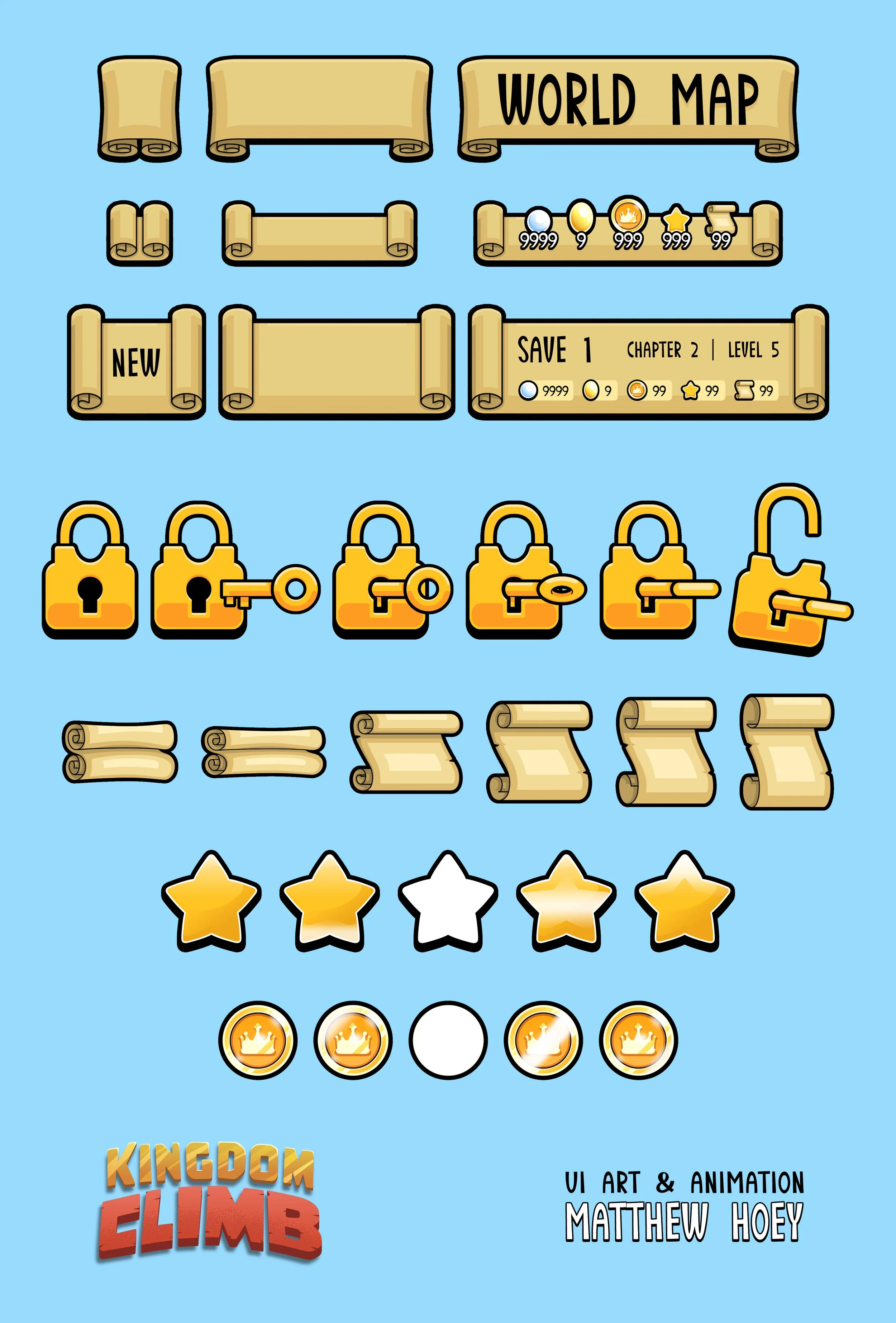
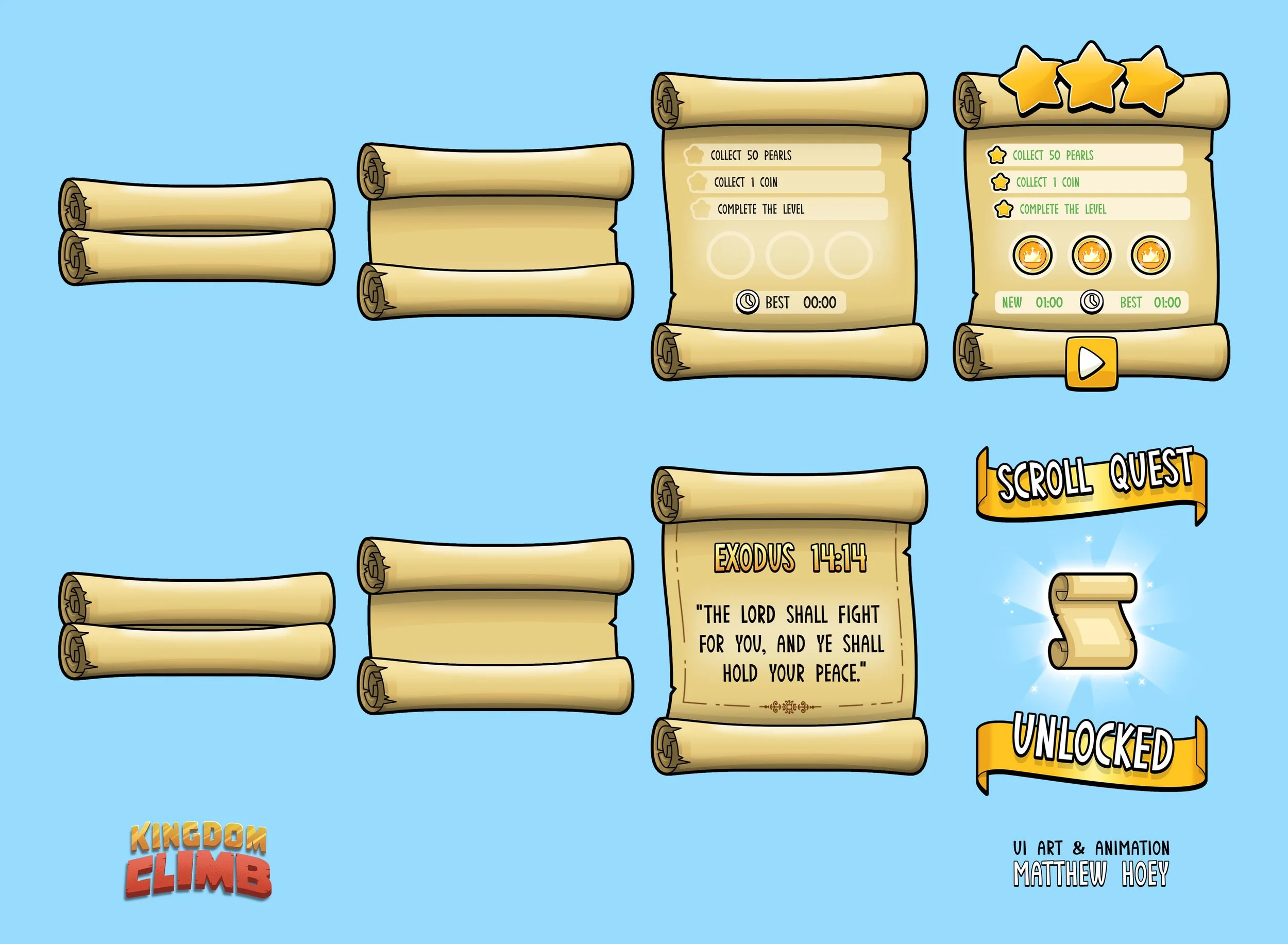
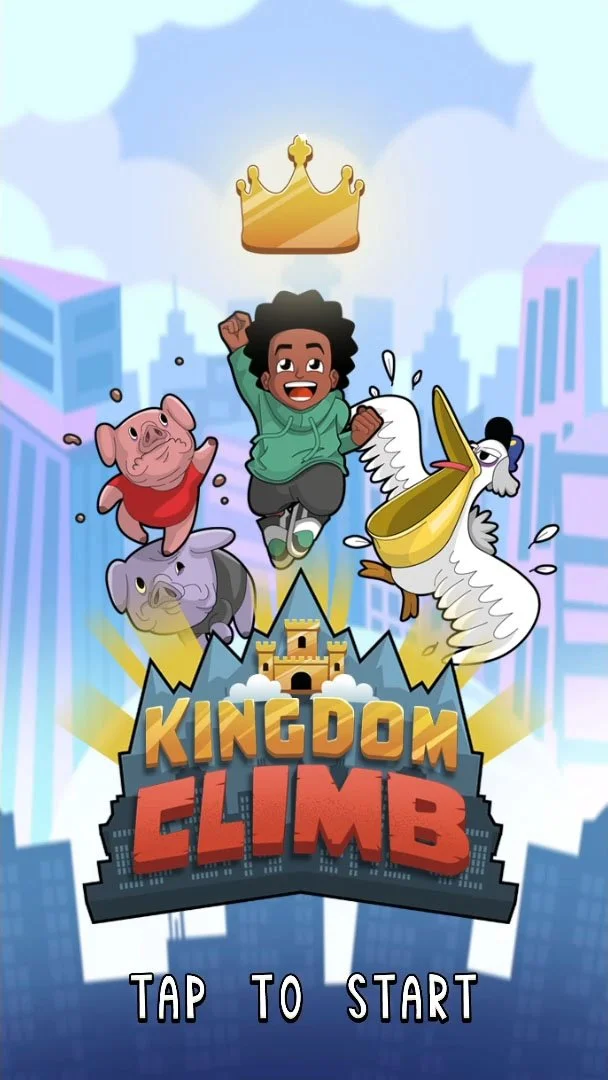
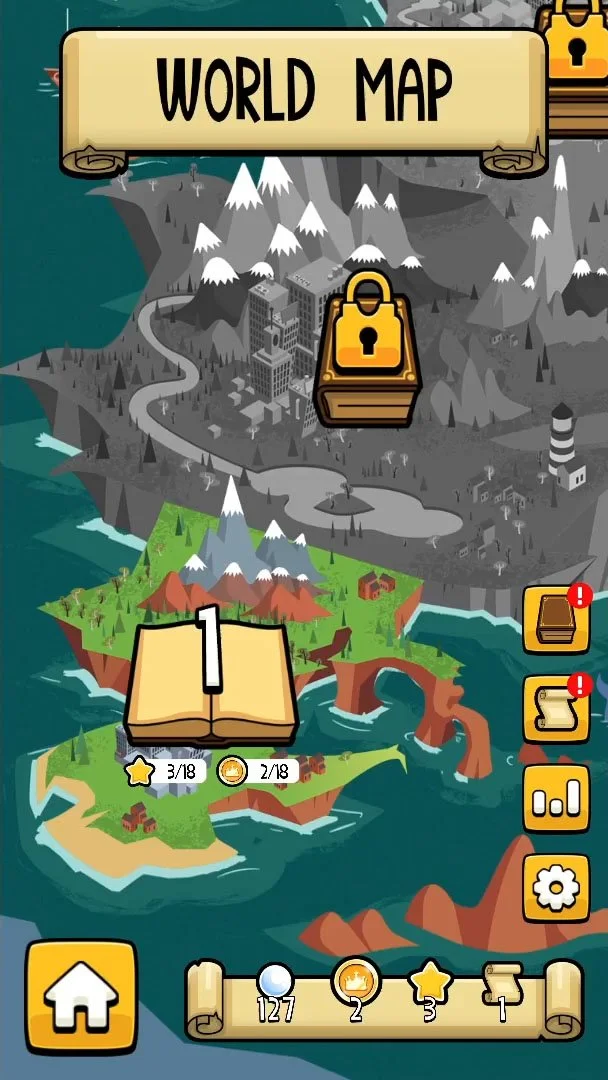
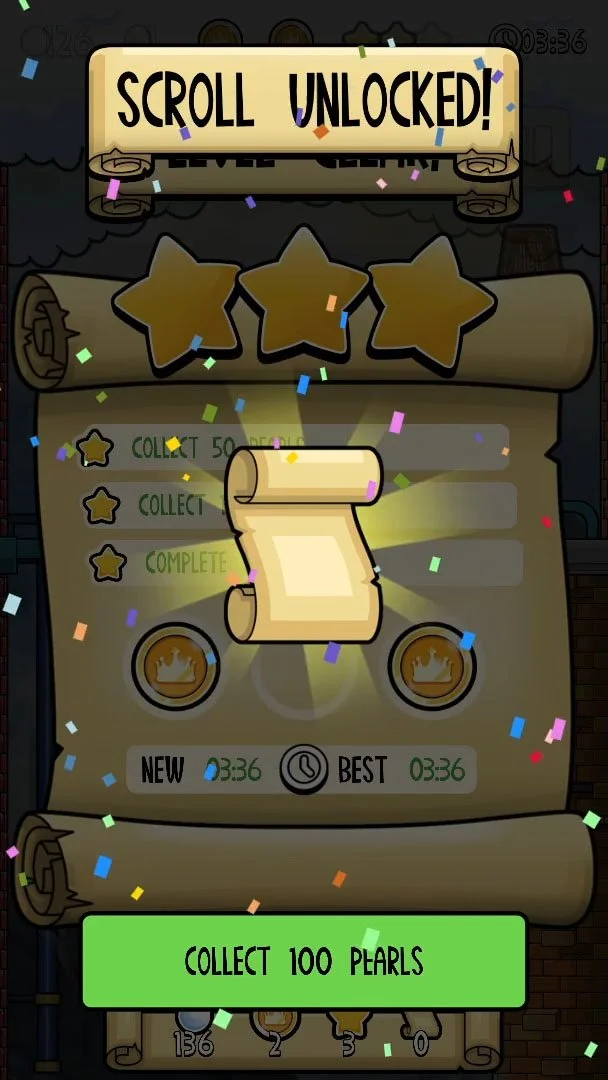
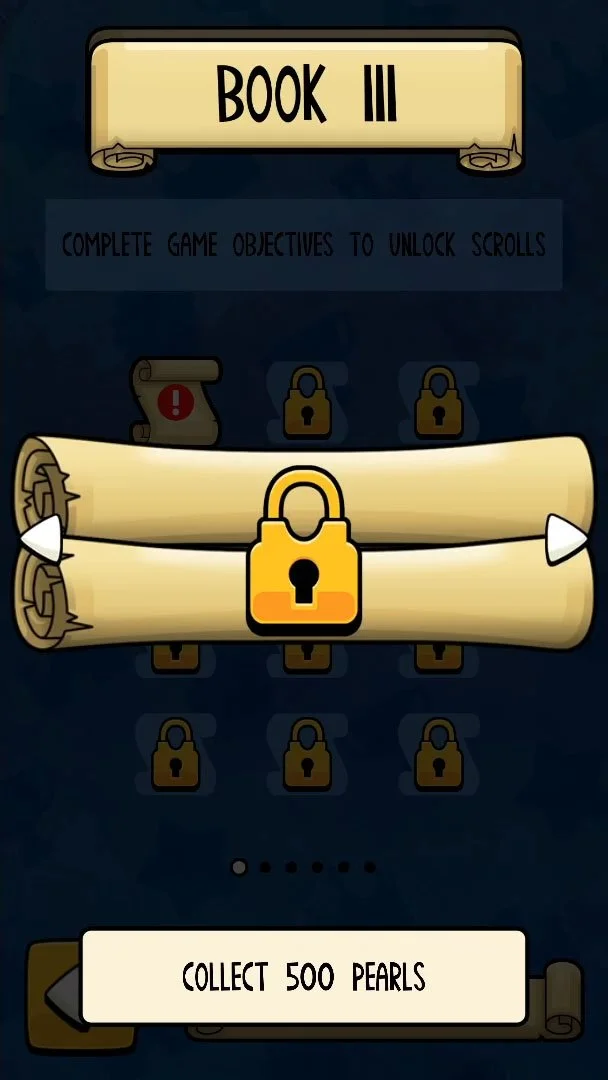
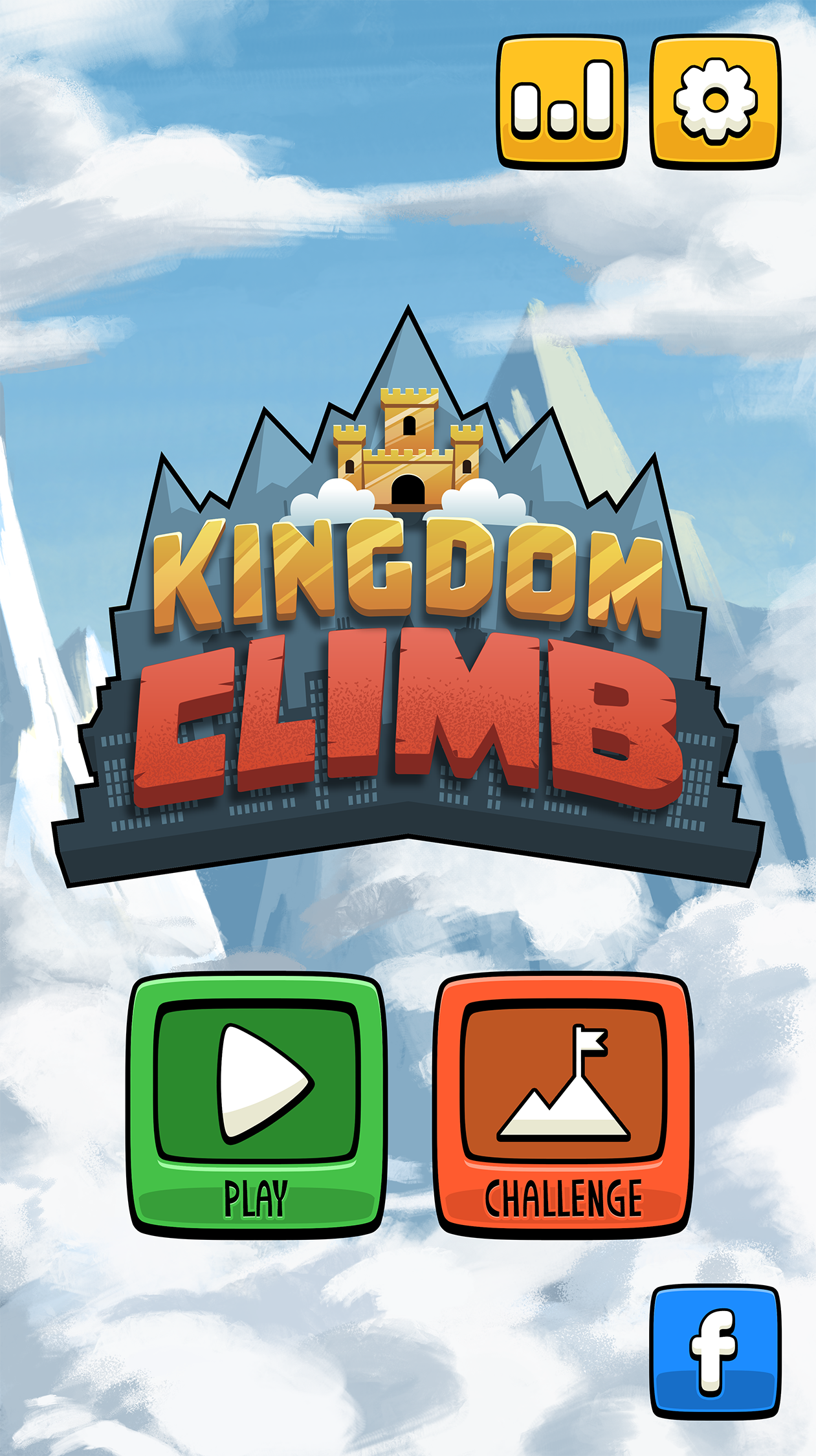
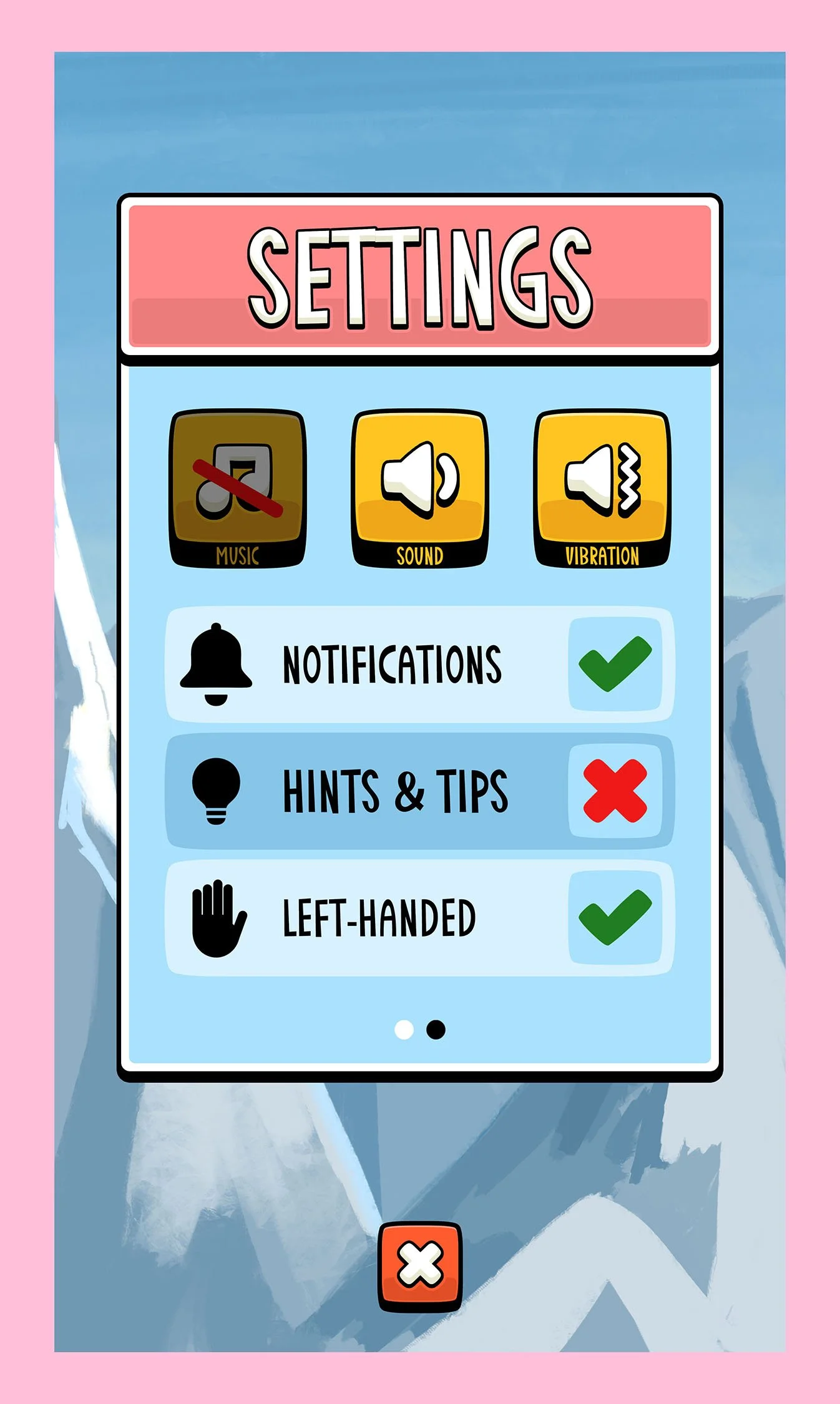
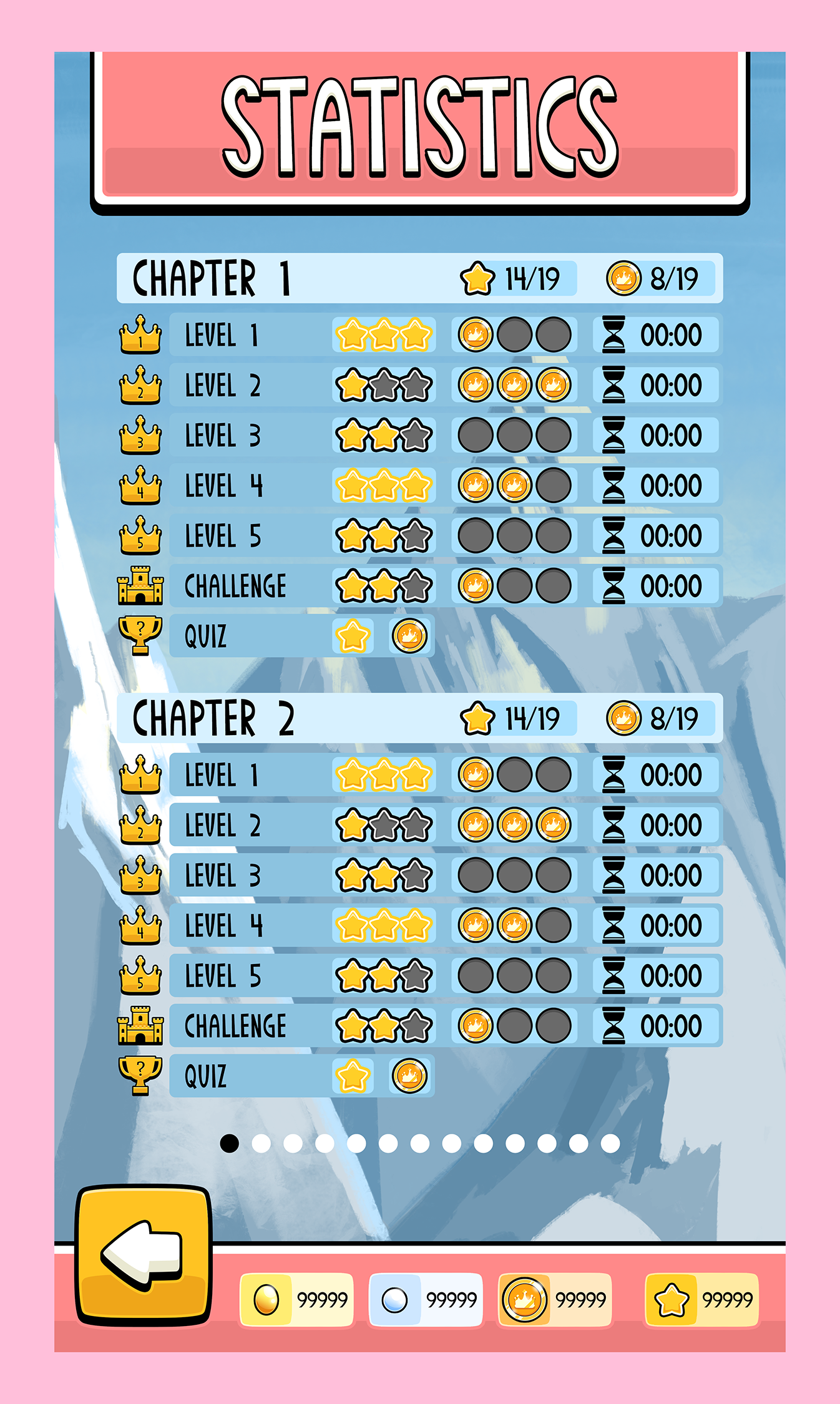
Individual screens and menus required specific rules and accessibility options - I refined the above designs into a more visually consistent theme, with animated title and menu scrolls bringing the project some life.
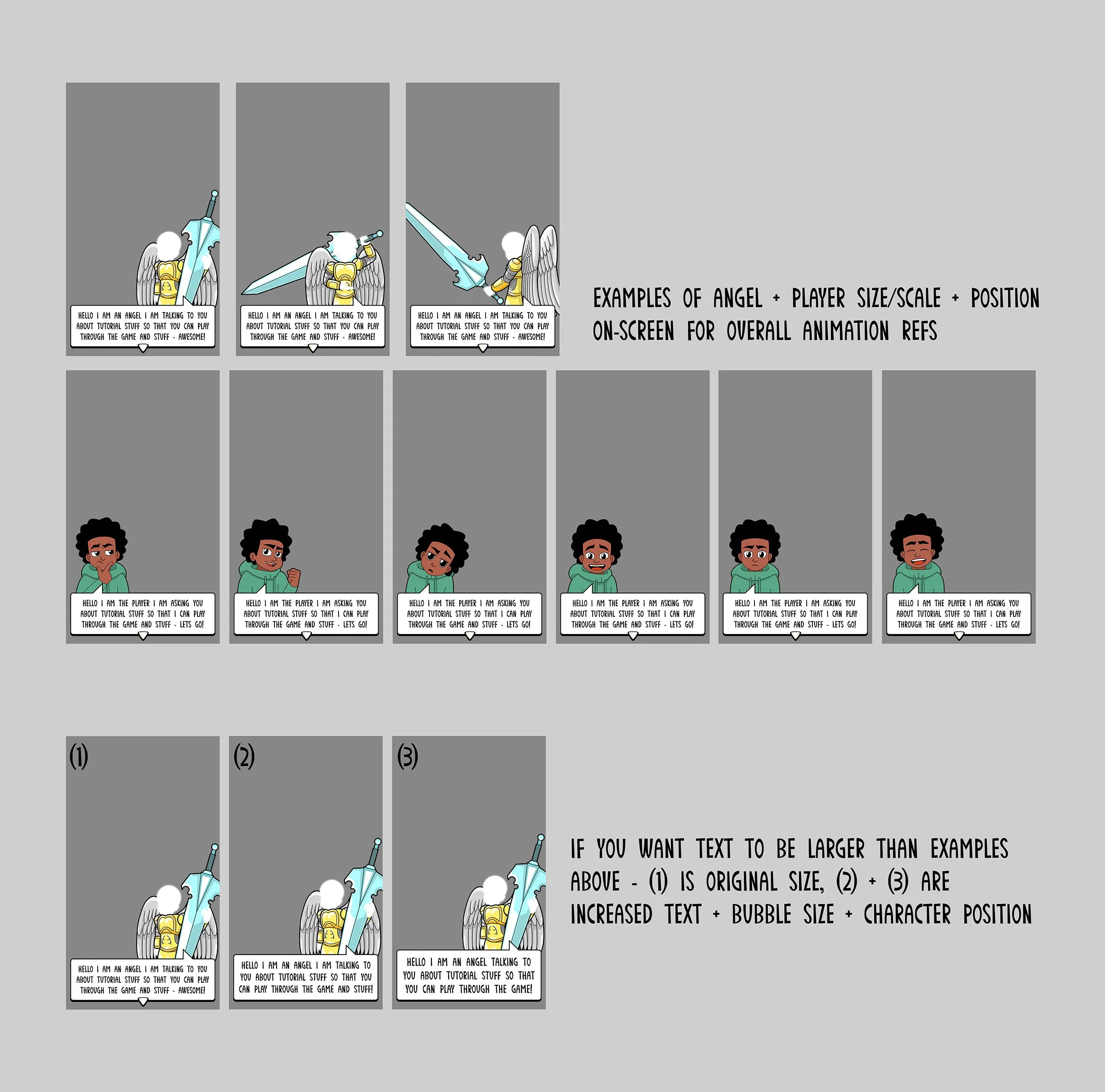
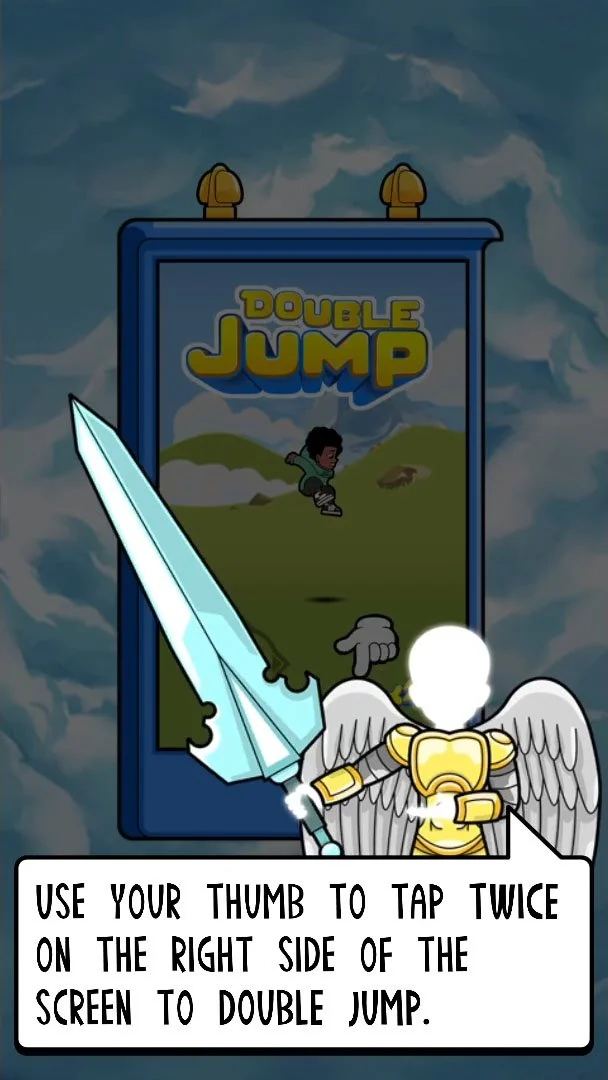
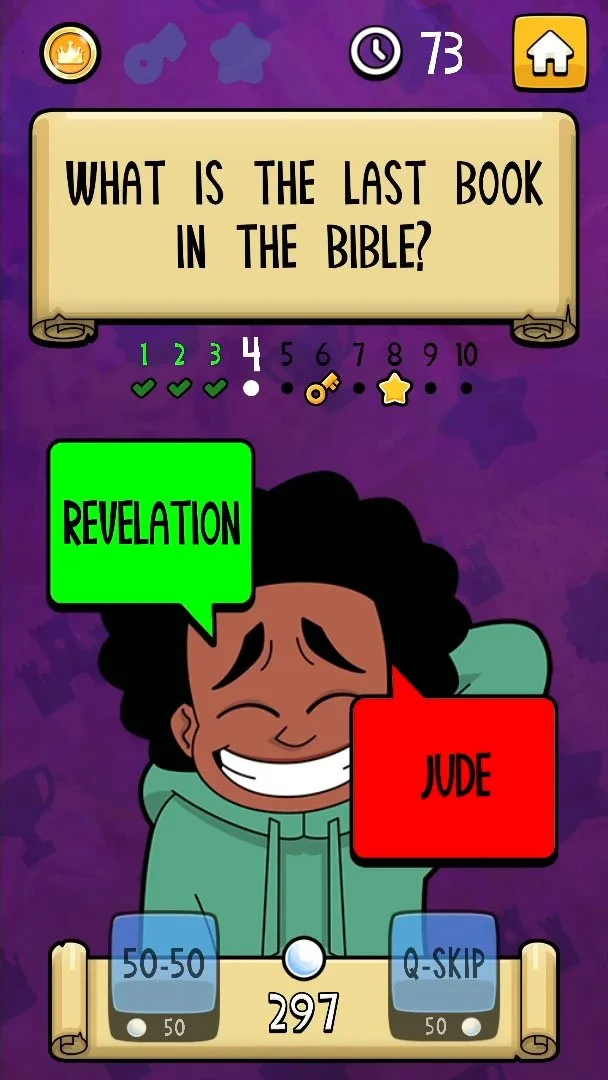
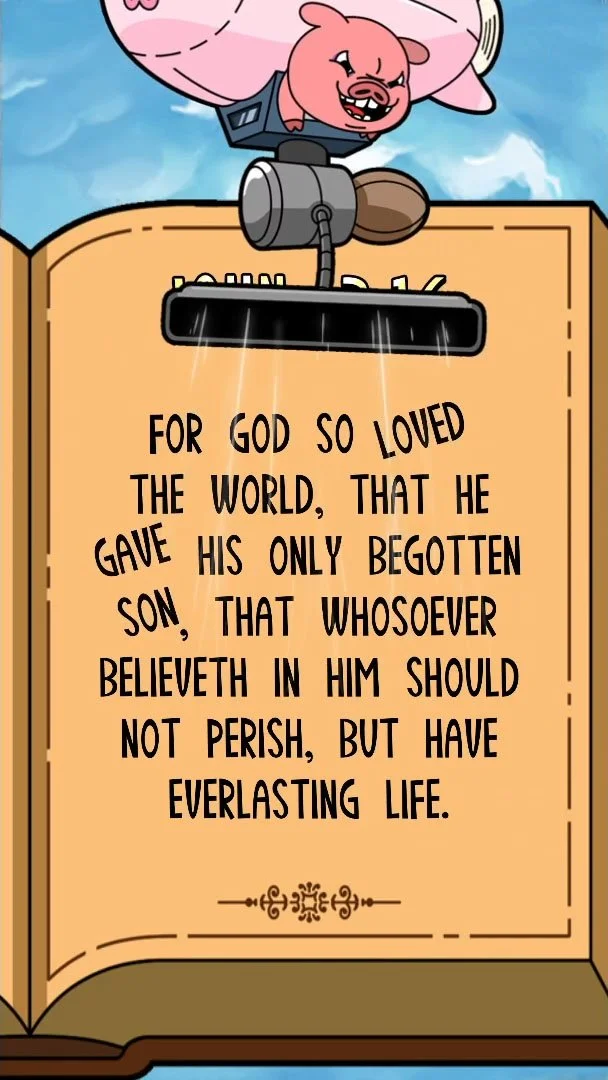
For Dialogue I tested character animation sizes and positions on-screen, including testing speech bubbles before landing on speech boxes as final designs.
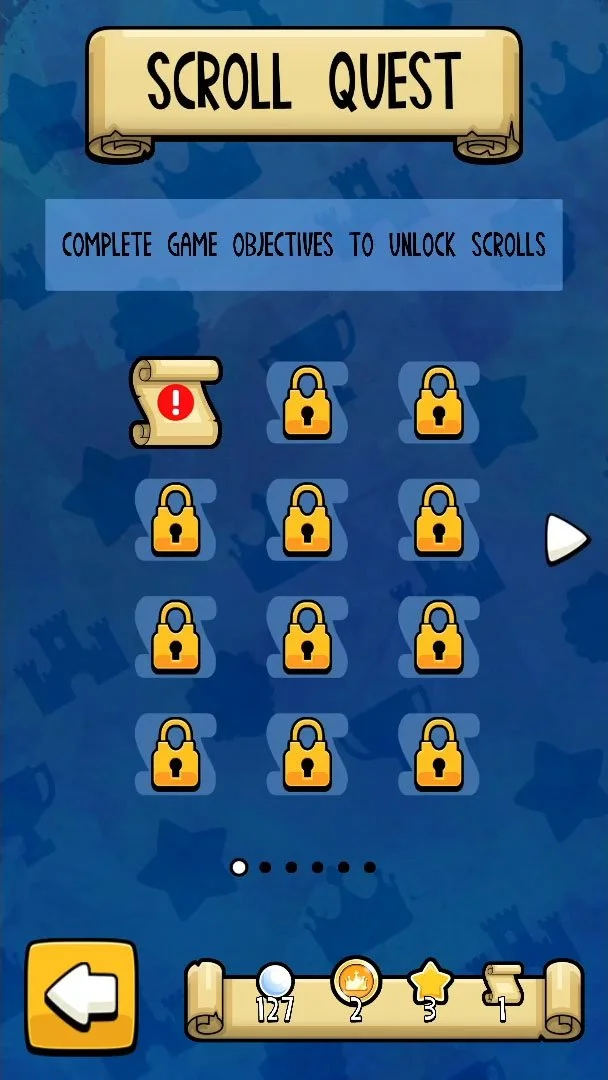
Each screen and pop-up scroll provides essential information and button prompts for easier navigation - game completion progress of levels and objectives completed and incomplete, chapters locked and unlocked, items collected, settings options and overall game statistics.